




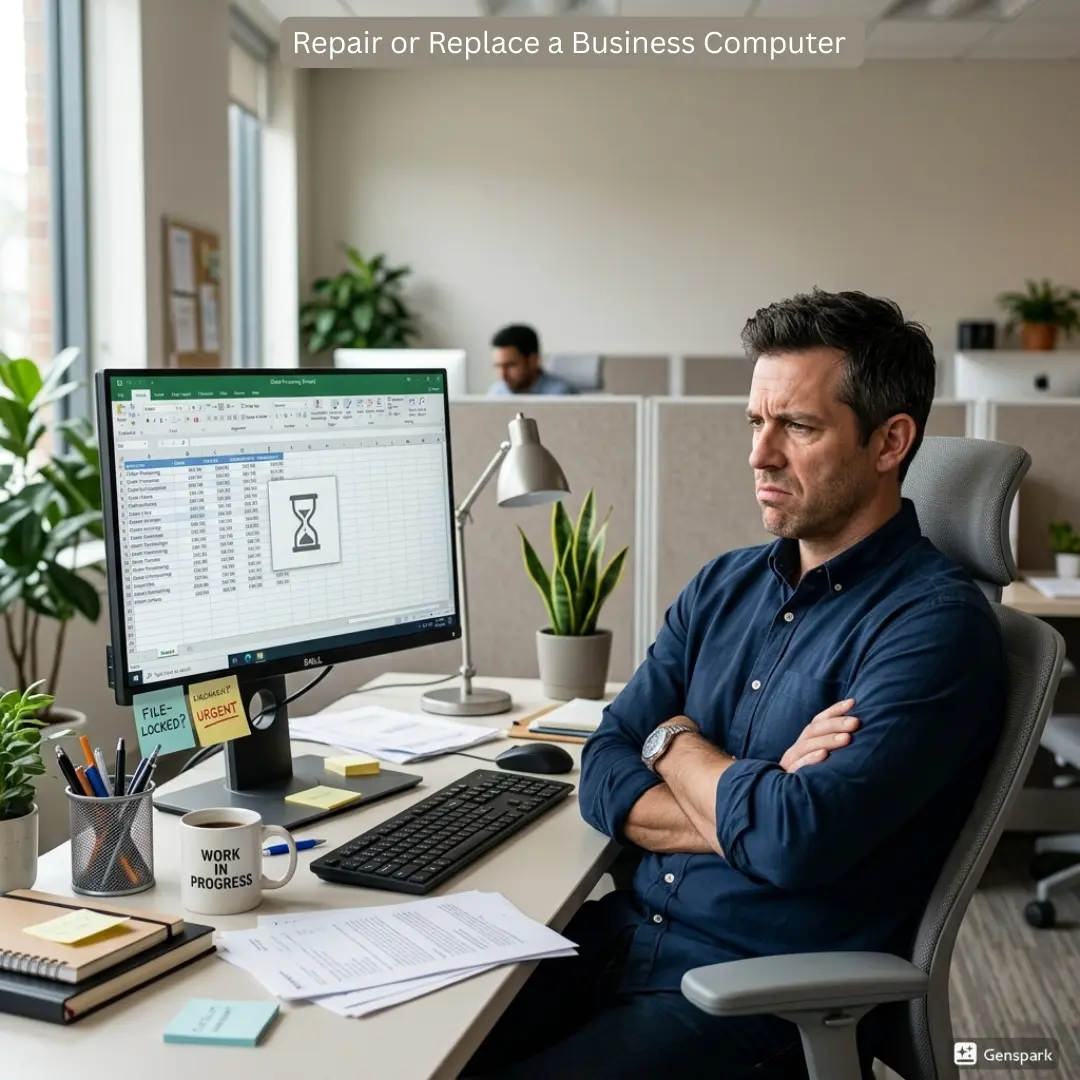
Repair Or Upgrade Business Computers is a dilemma many NJ businesses are faced with as their computers begin to slow down, crash, or display signs of hardware damage. Although it may seem logical, but replacing most computers can be expensive and unnecessary. In fact, a reliable computer repair service like BuySellRepairs can diagnose the problem and recommend a more cost-effective solution.
For small businesses, distinguishing between the need for a computer repair and an upgrade is essential to saving the company’s budget while still providing the employees with reliable hardware.
We have a practical guide to help you make the best decision.
How to Know – When to Repair or Upgrade Business Computers
Before finalising an upgrade, it is necessary to conclude the current state of your computer. A computer with a struggling component does not necessarily need to be replaced.
If the issue is about a failing component like damaged charging port, overheating problem, faulty hard drive etc. professional business computer repair NJ services would help you to get the device back to working condition.
Upgrading laptop or a computer is a more expensive endeavor and should only be considered when the system is several years old and cannot run the required software.
When Business Computer Repair Makes Sense
Repair is mostly a sensible choice if the computer still meets the performance requirements. For example, replacing a damaged component can be significantly less expensive than purchasing a new workstation.
Repairing is possible in these cases:
- Slow or failing storage drives
- Damaged screens or displays
- Charging and power problems
- Overheating
- Keyboard or port damage
- Operating system problems
- Software and application issues
- Memory or hardware failures
BuySellRepairs, a well-known business computer repair service provider can diagnose the actual problem instead of recommending replacement immediately.
When a Business Computer Upgrade Is Better
Sometimes hardware fails to perform with latest applications. This is where an upgrade is required. Adding more RAM, replacing an older hard drive with an SSD, or upgrading certain hardware components can improve start up time, multitasking, and application performance.
Businesses searching for business computer upgrade NJ services should consider both the immediate performance improvement and how long the upgraded computer is expected to remain useful.
When Should You Repair or Replace a Business Computer?
Knowing when to repair or replace business computer equipment requires looking beyond the repair bill.
Replacement may be worth considering when:
- The computer is significantly outdated.
- Repairs are becoming frequent.
- Replacement parts are difficult to find.
- The system cannot support required business software.
- Performance remains poor after upgrades.
- Repair costs approach the price of a suitable replacement.
- Security or operating-system support is becoming an issue.
Think About Your Business Needs
Every business uses computers differently. An employee handling basic tasks may not need the same hardware as someone working with graphic design, engineering applications, or large databases.
Consider your requirements before making a decision between repair and an upgrade. BuySellRepairs can help to simplify this important decision. This approach can prevent businesses from spending money on unnecessary replacements.
Why Professional Diagnosis Matters
Trying to decide based only on the age of a computer can lead to unnecessary expenses. A five-year-old computer with a healthy motherboard and an upgradeable configuration may still be useful, while a newer computer with serious hardware damage may not be worth repairing.
Professional business computer repair NJ services like BuySellRepairs can identify the underlying problem and explain the available options.
Make the Right Choice for Your Business
The goal is not simply to repair every computer or replace every older machine. The better approach is to evaluate each device individually.
If the problem is minor and the computer still meets your needs, repair may be the sensible option. If performance is limited but the hardware can be improved, an upgrade may extend its useful life. If the computer is outdated, unreliable, or incompatible with essential software, replacement may be more practical.
For businesses looking for business computer upgrade NJ or business computer repair NJ, BuySellRepairs can help assess the condition of your equipment and identify practical solutions. Whether you need a repair, component upgrade, or advice about your next computer, getting the problem properly diagnosed is a smart first step.
Contact BuySellRepairs for professional computer repair and upgrade assistance in Princeton, NJ.
FAQs
1. Can I keep using my business computer if it makes strange noises?
Not always. Clicking, grinding, or buzzing can indicate a failing fan or storage drive. Stop using it if the noise is severe and have it checked by a business computer repair NJ professional.
2. Will turning my computer off and on fix everything?
Restarting can fix temporary software glitches, but it will not repair damaged hardware, failing storage, overheating, or physical damage.
3. Can I upgrade a computer that is several years old?
Possibly. RAM, SSDs, batteries, and some other components can often be upgraded. A technician can check whether a business computer upgrade is worthwhile for your specific system.
4. Does adding more RAM make every computer faster?
No. Additional RAM helps when insufficient memory is causing slowdowns, but it will not fix every performance problem. The processor, storage, software, and operating system also matter.
5. Can I repair a computer without losing my business files?
Many repairs can be completed without affecting your data, but there is always some risk when working on hardware. Keep regular backups before bringing equipment in for diagnosis.
6. Is a slow computer always too old to repair?
Not at all. Slow performance can result from unnecessary software, insufficient RAM, an aging hard drive, malware, or other issues. A proper diagnosis can reveal whether repair or an upgrade makes sense.
7. Can I upgrade my business laptop like a desktop computer?
It depends on the laptop model. Some laptops allow RAM or storage upgrades, while others have limited upgrade options. A technician can check the specific model before recommending a business computer upgrade NJ.
8. Should I repair a computer that overheats only sometimes?
It is worth getting it checked. Dust buildup, blocked vents, failing fans, or thermal issues can cause intermittent overheating. Continuing to use an overheating computer may eventually cause more serious damage.
9. Is it cheaper to repair or replace a business computer?
There is no single answer. The cost depends on the fault, computer age, replacement parts, performance requirements, and future reliability. A professional business computer repair NJ assessment can help you compare the options.
10. Can BuySellRepairs upgrade several business computers at once?
Yes, businesses can visit us and discuss about repairs. If several workstations need similar improvements, a business computer upgrade NJ service can help address them efficiently.




One thought on “When to Repair or Upgrade Business Computers”