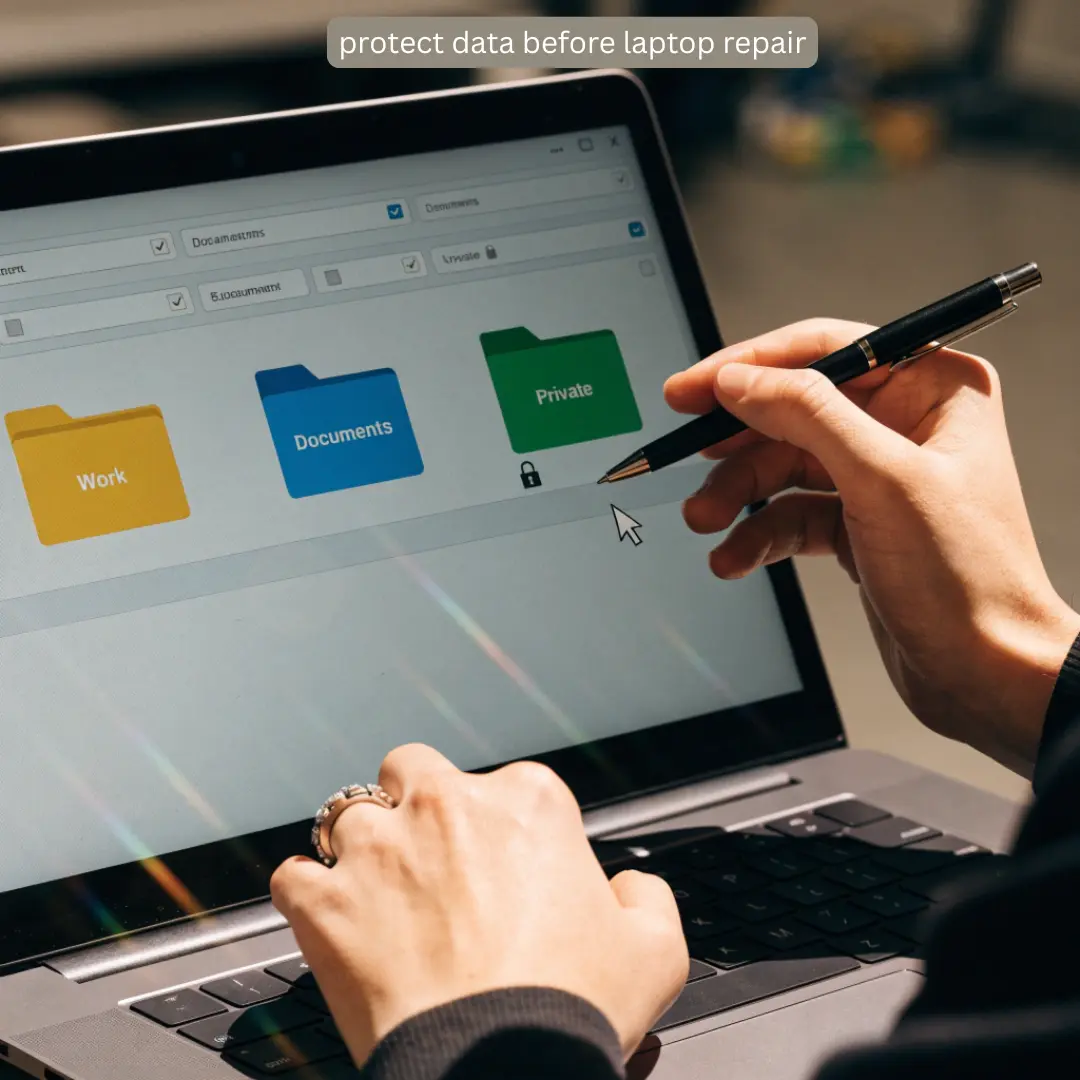
Laptop data security should be a high point of consideration every time you send your laptop for repair. It could be a major or minor repair, but taking some simple measures can help you protect your data.
Why Laptop Data Protection Matters
Your laptop could contain valuable work and personal information (work files, emails, photographs, etc.) Before sending your laptop to service centers like BuySellRepairs, know if the technician will need access to your personal files or not.
Understanding is the first step in ensuring laptop data security. Here are some helpful hints to follow:
1. Back up your important files
Make sure to back up the data either on an external hard drive or in the cloud. This helps if the hard drive is going to be replaced or the operating system reinstalled.
2. Sign out of personal accounts
Sign out of any personal email accounts, cloud storage accounts, social media accounts, and banking accounts. This provides an additional layer of laptop data protection.
Closing the tab is not enough; sign out of any personal accounts and remove saved login sessions on the device.
3. Remove sensitive or confidential files
If there are files with highly sensitive, confidential information, transfer them to an external hard drive before sending the laptop for repair. This is especially important for businesses that deal with customer files, financial information, employee information, and other sensitive data.
4. Protect your login information
Never share your bank account login information, email login information, or other personal information with the laptop repair technician. They would need system login information to log in to the system and check the issue.
BuySellRepairs can tell you what access they may need depending on the kind of repair that your laptop needs.
5. Use device encryption
Many laptops have built-in device encryption. Encryption can protect your files and data from being viewed outside of the laptop operating system in case the hard drive is accessed separately from the laptop.
It’s an especially good idea to enable encryption if your laptop has sensitive company information on it.
Asking Repair Shop About Data Protection
The repair shop should be able to tell you how they handle customer devices when it comes to laptop data security.
Some questions to ask could include:
• Will my files be accessed during the repair?
• Is my data confidential?
• Will my files be copied or transferred?
• Do you need my laptop login password?
• What will happen if the storage drive needs to be replaced?
At BuySellRepairs, asking questions is a great way to learn how to protect data before laptop repair.
What Do I Do if My Laptop Won’t Turn On?
Sometimes, you cannot back up your files from the laptop because it won’t turn on. In this case, don’t worry. Let the laptop repair technician know that the laptop has important or confidential information on it.
Depending on the reason why the laptop won’t turn on, the technician may be able to diagnose the problem (fix the hardware issue) without accessing your files.
If the laptop needs to have a new storage drive installed or if data recovery is necessary, ask about your options before the technician performs any of these services.
When it comes to data protection and laptop repair concerns, BuySellRepairs can help.
We offer a wide variety of laptop repair services, from hardware maintenance to laptop performance optimization and data security. Customers can ask us questions about their laptop data security concerns before we perform any diagnoses or repairs.
Make Data Protection a Priority
The best way to ensure laptop data protection is by making regular backups and protecting personal files and accounts. It can be even more important to make data protection a priority if you run a business because the laptop could contain information that belongs to other people as well as your own information.
A simple laptop backup, a sign-out of personal accounts, and some careful considerations can make a big difference.
BuySellRepairs encourages our customers to ask questions about their data and their devices before approving any laptop repair.
When it comes to laptop data security, preparation is the most important thing you can do. Back up your files, protect your personal accounts, remove sensitive files, and ask questions about your data and device at the repair shop.
FAQs
1. Should I delete everything before giving my laptop for repair?
No. You usually do not need to erase your entire laptop. Back up important files and remove only sensitive information that the technician does not need for testing. This is a practical part of laptop data protection.
2. Can a repair technician see my browser history?
If the technician has access to your user account, some information may be visible. Sign out of browsers and personal accounts before repair to improve laptop data security.
3. Should I remove my saved passwords?
Yes, especially for email, banking, shopping, and other sensitive accounts. Removing saved passwords is a simple step to protect data before laptop repair.
4. Can someone copy my files while repairing my laptop?
Technically, physical access to an unencrypted storage drive can create privacy risks. Encryption, strong account security, and limiting unnecessary access can improve data protection before laptop repair.
5. Do I need to remove my laptop’s SD card?
If the SD card contains personal photographs, documents, or other private information, removing it before repair is a simple precaution.
6. Should I tell the technician that my laptop contains confidential work?
Absolutely. Mentioning sensitive business or customer information helps the repair shop understand your privacy concerns and determine what access is actually necessary.
7. What if I forgot to back up my laptop before it broke?
Don’t immediately assume your files are gone. Depending on the problem, the storage drive may still contain your data. Ask about your options before approving major repairs or storage replacement. This is why regular data backup is important.
8. Is a guest account useful for laptop repair?
It can be. If your operating system supports a guest or separate temporary account, it may allow basic testing without exposing your everyday files and settings. However, some repairs require administrator-level access.
9. Should I change my password after getting my laptop back?
If you shared your login password with the repair technician, changing it afterward is a sensible security precaution. You should also review active sessions on important online accounts.
10. How can I protect my files during future repairs?
Keep regular backups, use device encryption, maintain strong passwords, and avoid storing unnecessary sensitive information locally. Knowing what to do before sending laptop for repair can make future repairs much safer.