




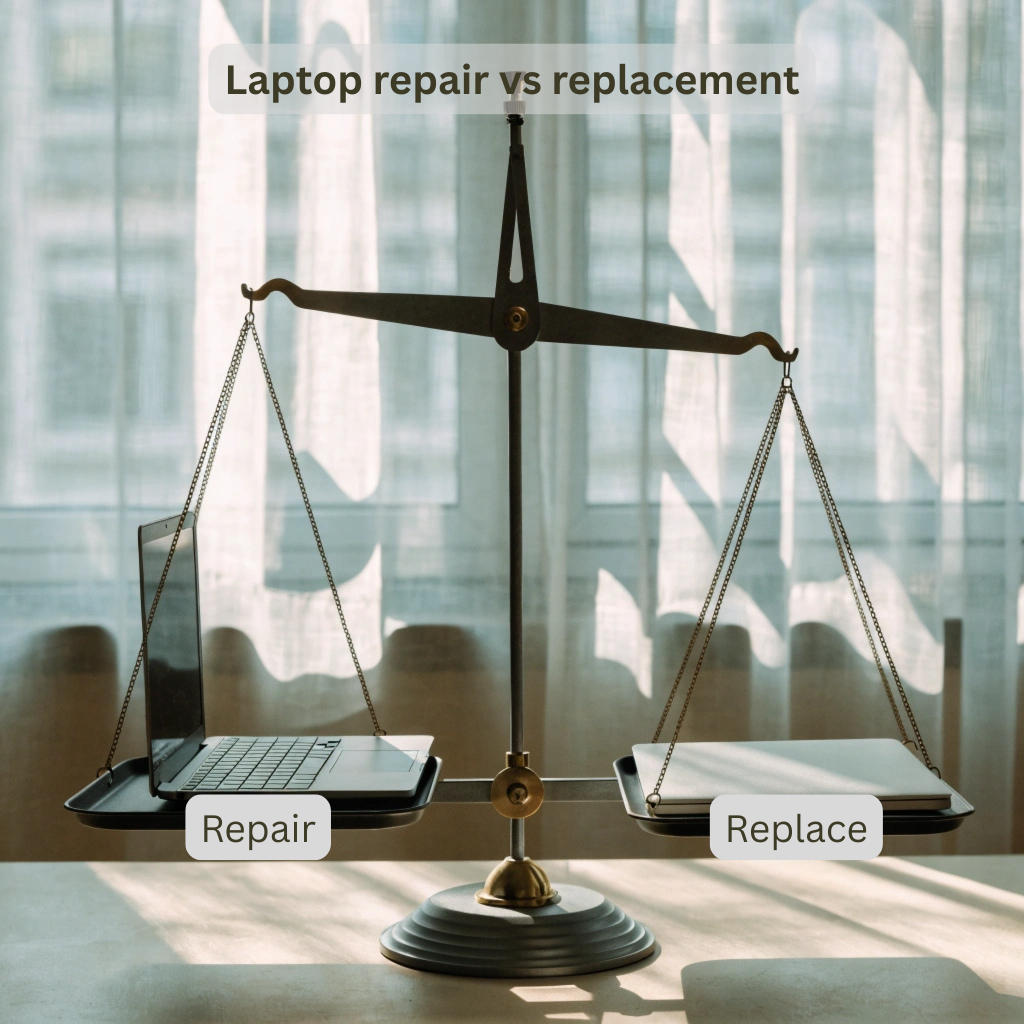
Laptop repair services near me – that’s what you end up searching when panic sets in. The screen goes dark. The keyboard stops responding. The battery gives up roughly around the 40-minute mark. And now, you’re stuck between two uncomfortable options: spend money fixing something old, or spend considerably on new.
There’s no clean answer. But there is a smarter way to think it through.
Why the Laptop Repair vs. Replacement Decision Is Harder Than It Looks
Laptop repair vs replacement: most people default to replacement. New machine, fresh start, no nasty surprises six months down the line. That logic makes sense – until you realise a battery replacement could have bought you two more solid years on a laptop that otherwise runs fine.
At BuySellRepairs, our technicians decide on three things: what actually broke, how old the machine is, and what a comparable replacement would cost you today. Getting clear on these three points takes ten minutes. Skipping it can cost you hundreds.
When to Repair a Laptop – And When It’s Worth Every Penny
Some faults are almost always worth fixing. Battery replacements sit at the top of that list. A fresh battery from BuySellRepairs is far small investment. Screen replacements fall into the same bracket – uncomfortable to live with, but usually a cost-effective laptop repair to sort.
Keyboard faults, charging port problems, and software issues (sluggishness, virus infections, corrupted OS installs) are all targeted problems with targeted fixes. They don’t mean the laptop is on its last legs. They mean one thing needs attention.
The trickier calls involve machines that are already four or five years old. Knowing when to repair a laptop in that situation comes down to one honest question: will this fix carry me another two or three good years? If yes, repair wins. If the machine is struggling even after a clean install – fan always running, slow on basic tasks – that’s a different conversation.
Searching for Laptop Repair Services Near Me? Here’s What Actually Matters
Not all repair shops are created equal, and that’s putting it politely. When you’re searching for laptop repair services near me, what you actually want is transparent pricing, a proper diagnostic before any work begins, and technicians who’ll be straight with you if a repair doesn’t make financial sense.
At BuySellRepairs, every job starts with a free diagnostic. If the repair cost doesn’t stack up against what the laptop is worth, we’ll say so before you spend a penny.
Analysis Behind Cost-Effective Laptop Repair in 2026
Most common laptop issues – a dead battery, cracked screen, faulty keyboard, or slow software – are straightforward fixes that don’t require replacing the whole machine.
And when you stack repair costs against buying a new mid-range laptop, the choice becomes obvious. For everyday faults, cost-effective laptop repair is quicker, cheaper, and easier than starting over from scratch.
Repair or Replace a Broken Laptop – A Practical Checklist
Before you decide whether to repair or replace a broken laptop, work through these honestly:
- Is the laptop under five years old? Repair is almost certainly worth exploring.
- Is the fault limited to one component? Strong case for repair.
- Does the repair quote exceed 50% of the laptop’s resale value? Replacement starts making sense.
- Is the motherboard involved? That’s usually where repair economics collapse.
- Has the manufacturer stopped OS security updates? Time to move on.
Two or three “no” answers and you’re likely looking at a machine worth fixing. Four or five and you’re throwing good money after bad.
The Bit Nobody Mentions – The Environmental Cost of Replacing
There’s a less-discussed reason to lean toward repair: manufacturing a new laptop carries a real carbon cost. Every device you keep running for an extra two or three years through targeted maintenance is e-waste that doesn’t end up in a landfill. With Right to Repair laws gaining ground across the UK and EU in 2026, consumers have more options and more protection than ever. That shift matters.
Final Verdict
The laptop repair vs. replacement question doesn’t have one universal answer – but it does have a logical one, once you look at the actual numbers. For most everyday faults, repair is cheaper, faster, and far less disruptive than starting from scratch. For ageing machines with serious hardware damage, replacement is the smarter long-term move.
If you’re not sure which camp you’re in, don’t guess. BuySellRepairs offers free diagnostics and straight-talking advice. Come in, get the facts, and decide from a position of clarity – not stress.
FAQ
1. Can putting my laptop in the freezer fix it?
No. While some people have tried this trick, extreme temperatures can cause moisture damage. Before deciding on laptop repair vs replacement, have a professional diagnose the issue instead.
2. My laptop survived a coffee spill. Does that mean it’s fine?
Not necessarily. Liquid damage can cause corrosion that appears weeks later. If you’re wondering when to repair a laptop after a spill, the answer is immediately-before hidden damage spreads.
3. Can a laptop be repaired after being stepped on?
Sometimes, yes. Depending on the damage, technicians may replace the screen, keyboard, or casing. A professional inspection can help determine whether to repair or replace a broken laptop.
4. Is a noisy fan a sign my laptop is dying?
Usually not. Dust buildup, dried thermal paste, or blocked vents are common causes. These are often solved through cost-effective laptop repair rather than replacement.
5. Will deleting old photos make my laptop faster?
Not significantly. Slow performance is usually caused by aging storage drives, insufficient RAM, or software issues. A technician offering laptop repair services near me can identify the real cause.
6. Can I keep using my laptop if the battery is swollen?
No. A swollen battery can be dangerous and should be replaced immediately. This is one of the easiest examples of when to repair a laptop instead of buying a new one.
7. My laptop only works when plugged in. Is it dead?
Probably not. In most cases, the battery has failed and can be replaced. This type of repair is typically a cost-effective laptop repair solution.
8. If my laptop is five years old, should I automatically replace it?
Not at all. Many five-year-old laptops still perform well after upgrades. When considering laptop repair vs replacement, age alone shouldn’t determine the decision.
9. Can a cracked laptop screen heal itself?
Unfortunately, no. Unlike a scratch, a cracked display won’t repair itself. However, screen replacement is often cheaper than choosing to repair or replace a broken laptop with a brand-new device.
10. Do laptop repairs erase my files?
Most repairs don’t affect your data. However, it’s always smart to back up important files before visiting laptop repair services near me. Professional repair shops typically take precautions to protect customer data.



3 thoughts on “Laptop Repair vs. Replacement in 2026: What Makes Sense?”