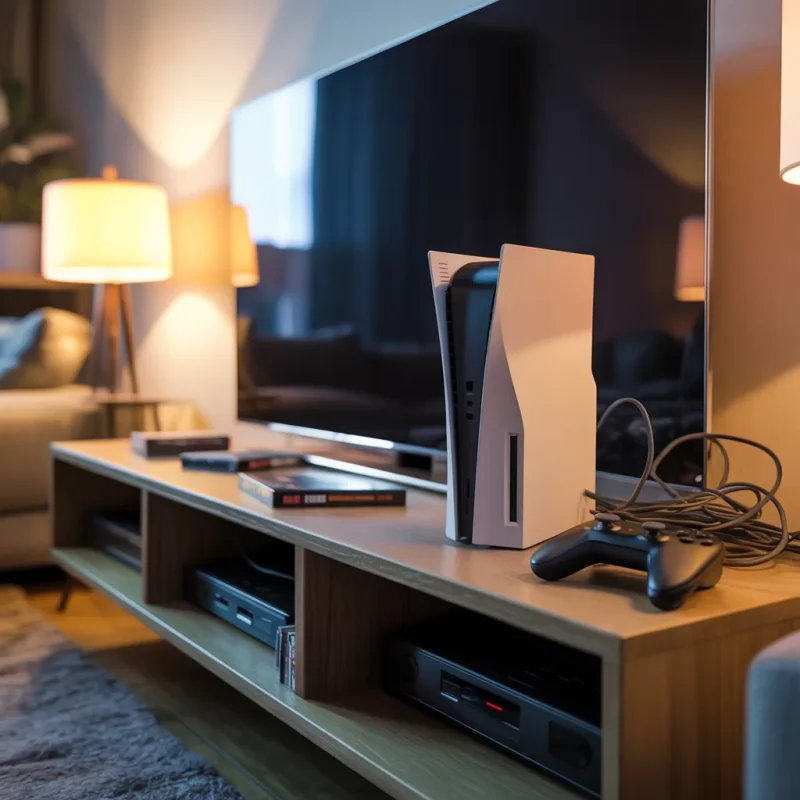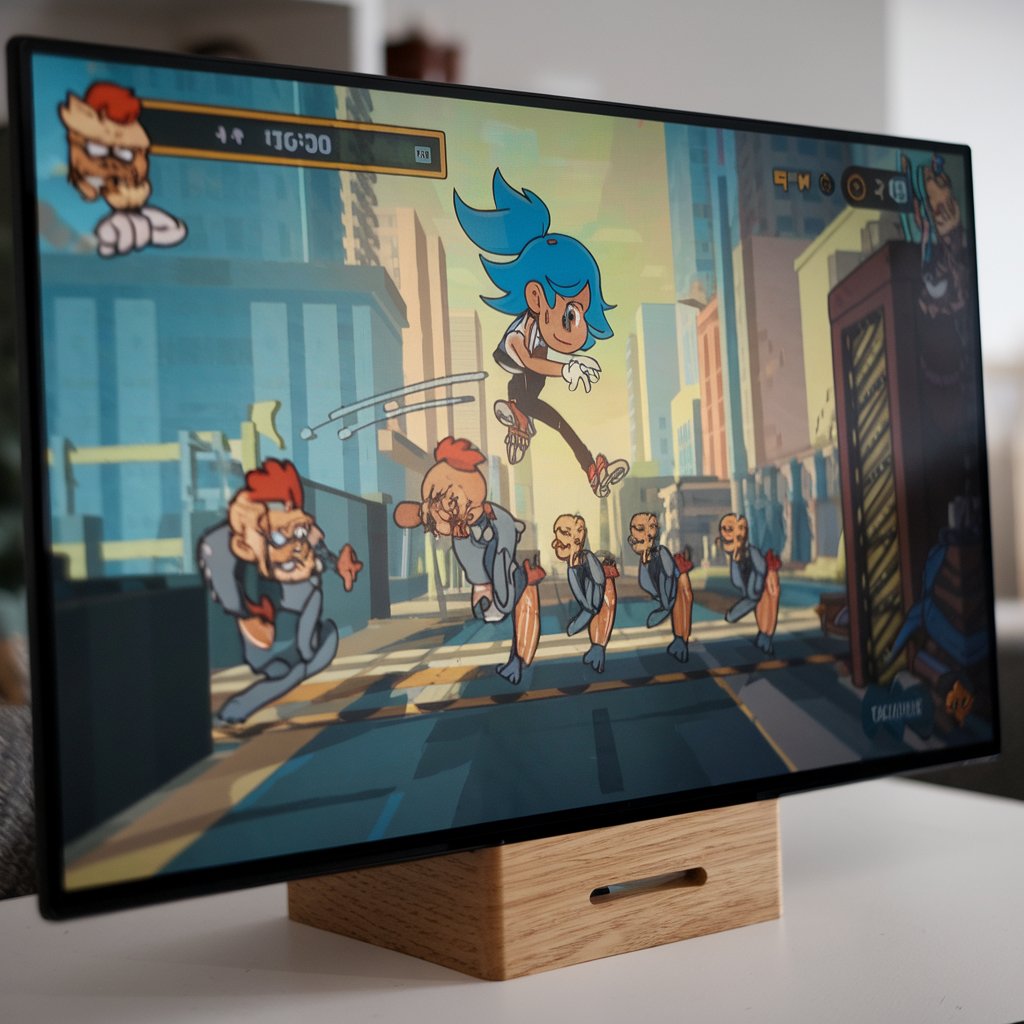
Gaming consoles have been established as one of the most enjoyed forms of entertainment for millions around the globe. For example, consoles provide unique experiences from amazing storytelling to exciting multiplayer competition. Similar to most other technologies, many gamers have reported issues of their gaming console freezing or crashing at random, and this topic will help gamers understand how they can avert the distressing interruptions. This article aims to detail the common reasons behind consoles freezing and crashing as well as reveal solutions to maintain the performance of the consoles.
Primary Causes of Console Freezing or Crashing
Overheating: One of the leading causes of console breakdown is overheating. If a console works regularly for prolonged periods without any breaks, it leads to performance issues or shut downs because of the heat build-up. In addition, if there is dust in the vents and cooling fans, proper airflow would not be maintained and worsen the problem. This issue is so prominent that several individuals search for game console overheating solutions in Trenton as a specialist needs to solve the overheating issues.
Environmental Factors: The build-up of dust inside the console can restrict airflow over time and result in overheating. It is therefore safe to say, that consoles work in a best manner under controlled conditions. For example, higher or lower temperature than normal is likely to result in issues in the gaming console. Increased surge of electricity can damage the internal parts of the console.
Glitches within Software: A console can crash or freeze when the system update is incomplete, the firmware is outdated, or the game is not well optimized. Problems may also arise from incompatibility between the software of the system and the game itself. Newly launched games have bugs that if not fixed intensify the problem.
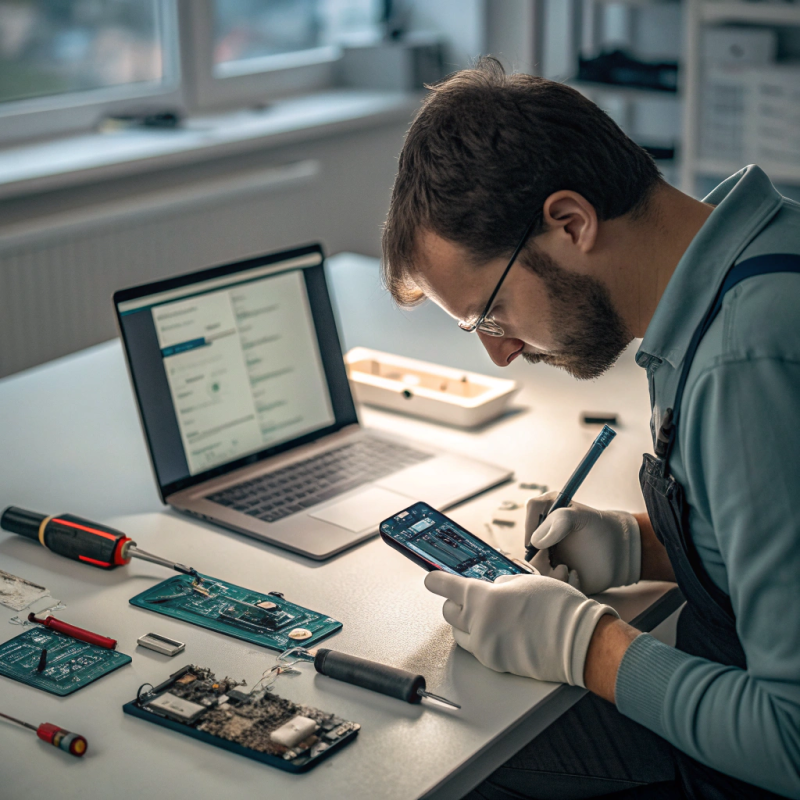
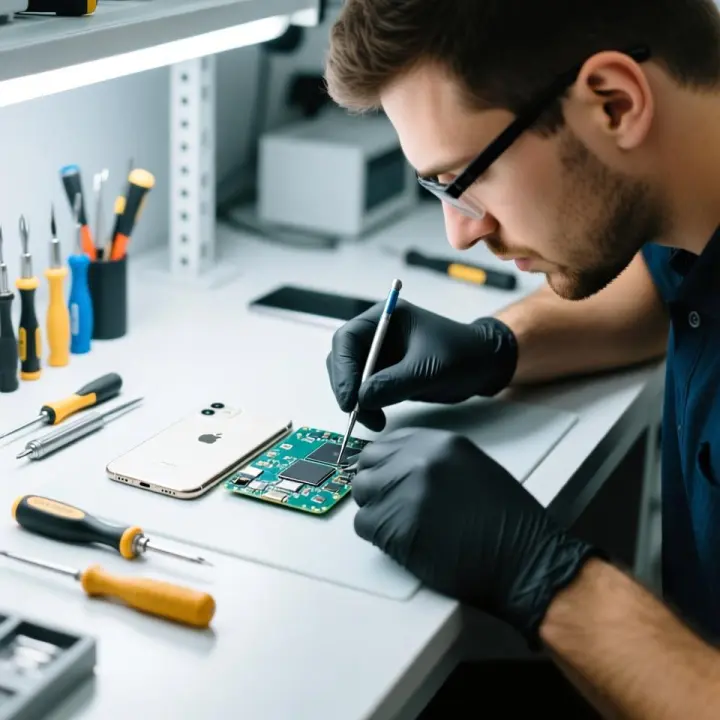
Malfunctioning Hardware: The processor, graphics unit, and hard drive are all internal components that over an extended period can fail. Corrupted game files can result from a faulty storage drive, while the overall performance of the console can be altered by the game’s processor. It is advisable to use the electronics repair services in Trenton for diagnosing and fixing the hardware issues as they are professionals in the field.
Problems with the Network: Online gaming is sensitive to an unstable internet connection. For example, games tend to freeze during multiplayer matches when there is a lag, or disconnection, or even an outage on the server.
Insufficient Space: Games cannot function well without enough storage space. Corrupted files due to insufficient storage tend to persist and create issues, while the system could freeze or crash due to lack of sufficient storage space.
Issues with the Power Supply: Overheating, inconsistent power supply, faulty power cables, or sudden power surges can cause crashes or freezing by damaging the internal components. While using the console, it is important to keep check on the power supply.
Buggy Games and Patch Issues: Some games launch with bugs. If your console keeps freezing during a specific game, it may need a patch.
Ways to Avoid and Fix a Crashing or Freezing Console
Avoid High Temperatures: Ensure your console is well-ventilated to avoid overheating. It is also essential to clean the fans and vents along with the console itself from time to time as dust can build up and cause overheating. If your console continues to overheat despite making these changes, a more professional approach to game console overheating solutions in Trenton needs to be taken so the optimal temperature for the console is maintained.
External Problems: Air vents should be cleaned out with compressed air regularly, and if you feel comfortable doing it, clean the insides of the console too. Make certain that the room is temperature controlled and that the console is not next to heat emitters, such as radiators. Protect your console from electrical surges as well by unclogging it during storms.
Update Software and Firmware: With every patch or update released, bugs are fixed and the system’s overall performance improves. Ensure to install all necessary updates for your console and software for minimal issues when running applications. These updates also need to be installed for the games being played to ensure complete compatibility.
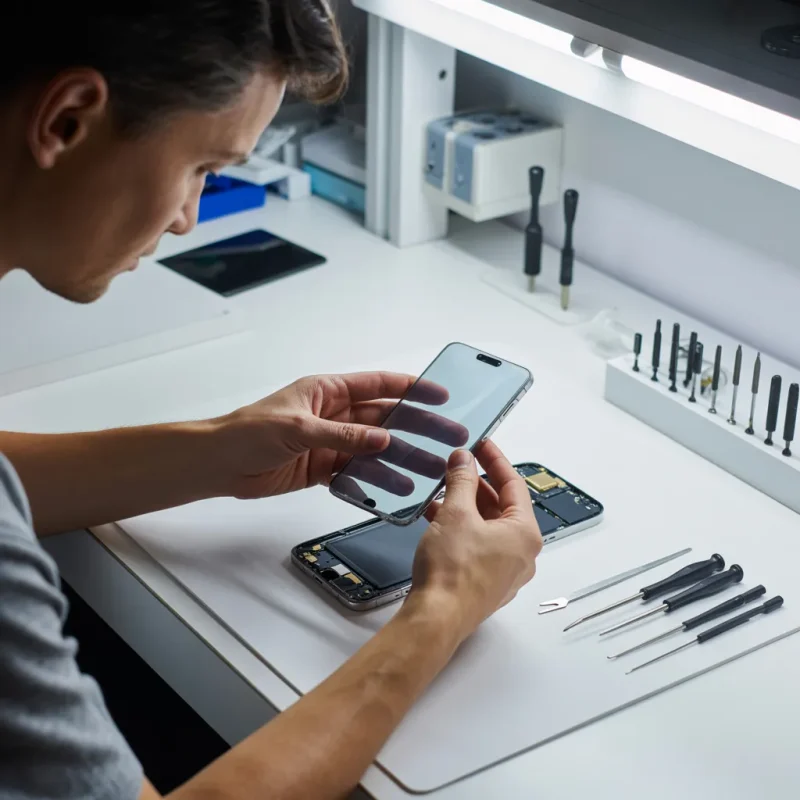
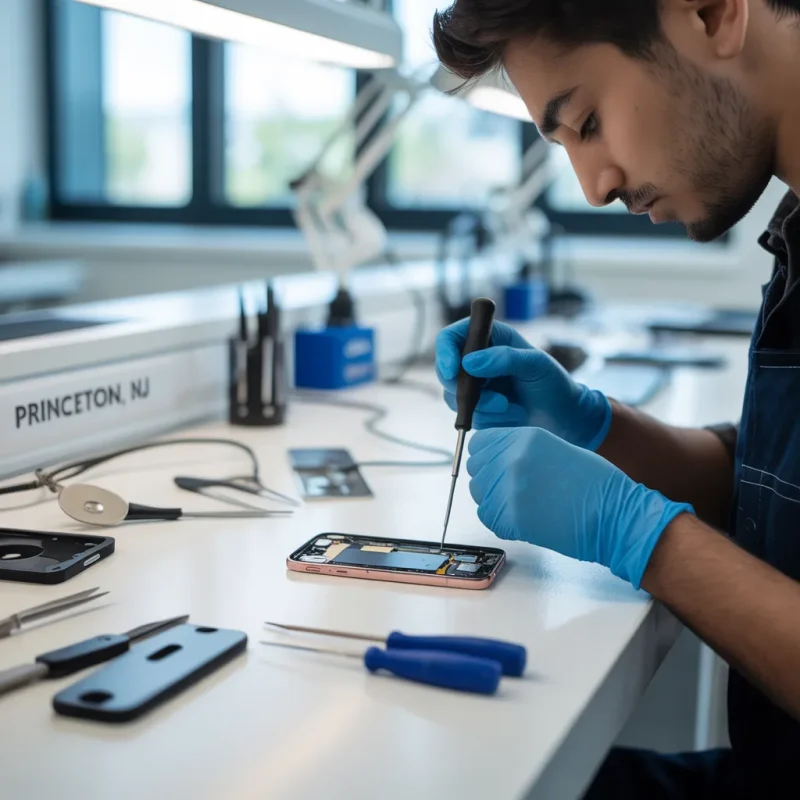
Check and Repair Hardware: If a particular piece of hardware isn’t functioning properly, it is essential to locate the underlying issues. It is possible to check your hard disk or SSD for errors, which aids in eliminating issues. In case your problems do not resolve, do reach out to professional “, computer hardware repair services to replace or repair faulty components. For those in the area, electronics repair services in Trenton offer reliable solutions for diagnosing and fixing hardware-related issues.
Optimize Network Settings: A strong and quick internet link is key for playing games online. Change to a corded link for more steadiness or get a new router to make the wireless work better. Restarting your router and fixing network settings can also help fix freezing problems from weak network.
Free Up Storage Space: To stop storage crashes, you should often get rid of files or games that you don’t use to make space. If a console support outside storage tools, think about adding one for bigger room. Broken files need to be found and taken away. It’s best to save important data before redoing the storage drive.
Power Supply Maintenance: Shield your console from big jumps in power by using a surge shield. Check power wires and plugs for harm, and swap them if needed. Steady power source is key to stop quick drops and keep your console lasting long.
Buggy Games and Patch Issues: Check for regular updates and patches for the games. Report bugs for developers to fix them.
When to Seek Professional Help
It is time to call for professional help if DIY solutions do not work out. Signs that one needs expert help include repeated crashes, strange noises from the console, and physical damage. Professionals specializing in game console services in Lawrence and computer repair services in Princeton can help determine and solve complex issues that might be sophisticated and hard to diagnose for anyone. Experts will get back problems at an early stage, thus averting further damage and saving you the cost of repairing.
Preventive Measures
Regular Console Maintenance
• Clean your console: Dust build up in vents and fans can lead to overheating. Clean your console every few months to ensure proper airflow.
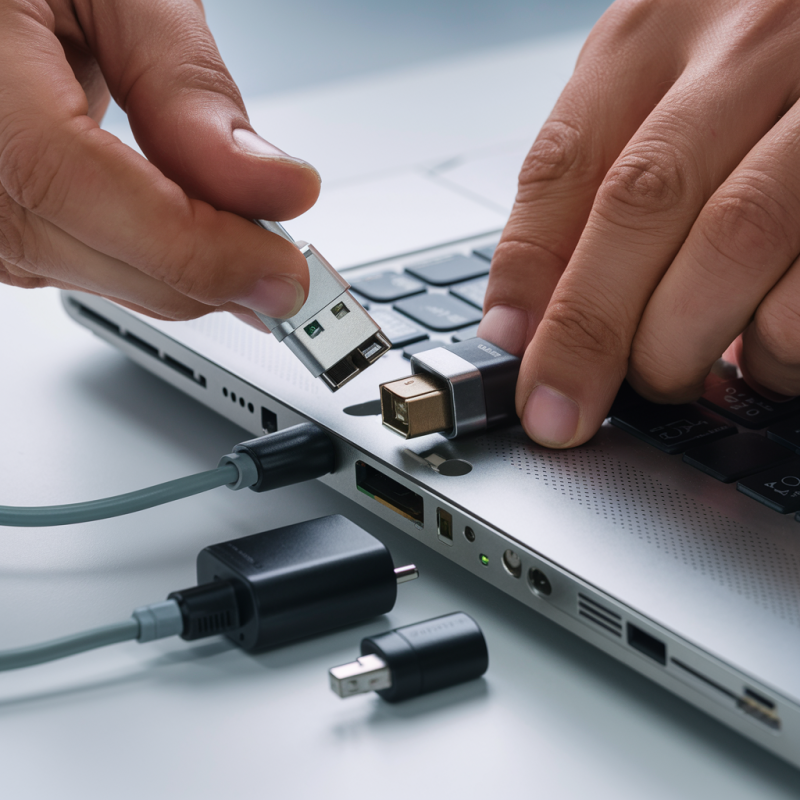
• Inspect cables and ports: Regularly check your console’s cables and ports for wear and tear. Replace damaged cables promptly.
Best Practices for Long-Term Performance
• Avoid prolonged gaming sessions: Give your console regular breaks to prevent overheating.
• Store in a cool, dry place: Do not expose your console to extremely hot temperatures or humid conditions.
• Use quality accessories: Cheap or low-quality accessories may damage your console. Spend your money on quality controllers, power cables, and storage devices.
Backup Important Data
You must back up your game data and settings at regular intervals. This way, you do not lose progress if your console crashes or your hardware fails.
Console freezing or crashing can be very frustrating, but understanding the causes and implementing the solutions above will help keep your console performing. Whether it’s overheating, updating software, or repairing hardware, taking action on time will prevent minor issues from turning into major ones. For gamers in Lawrence, Trenton, and Princeton, professional services like game console services in Lawrence, electronics repair services in Trenton, and computer repair services in Princeton offer reliable solutions to keep your gaming sessions uninterrupted. By following preventive measures and seeking expert help when needed, you can enjoy a seamless gaming experience for years to come.
FAQs for How to Fix a Freezing or Crashing Game Console
- What are the main causes of console freezing or crashing?
Overheating, dust build up, software glitches, hardware issues, network problems, low storage, and power supply problems.
- How can I prevent my console from overheating?
Keep it well-ventilated, clean regularly, and avoid long gaming sessions.
- What should I do if my console keeps crashing during a specific game?
Check for game updates, ensure sufficient storage, and verify game files aren’t corrupted.
- When should I seek professional repair services?
When experiencing repeatedcrashes, strange noises, or if DIY solutions fail.
- How often should I maintain my console?
Clean every few months and check cables/ports regularly.
- What role does storage space play in console performance?
Low storage can cause crashes and freezing. Keep at least 10-15% free space.
- How can I protect my console from power-related issues?
Use a surge protector and regularly check power cables for damage.
- What network settings should I optimize for better performance?
Use wired connections when possible and maintain a stable internet connection.
- How important are software updates for console stability?
Critical – they fix bugs and improve performance.
- What are the best practices for long-term console performance?
Store in a cool place, use quality accessories, and back up data regularly.