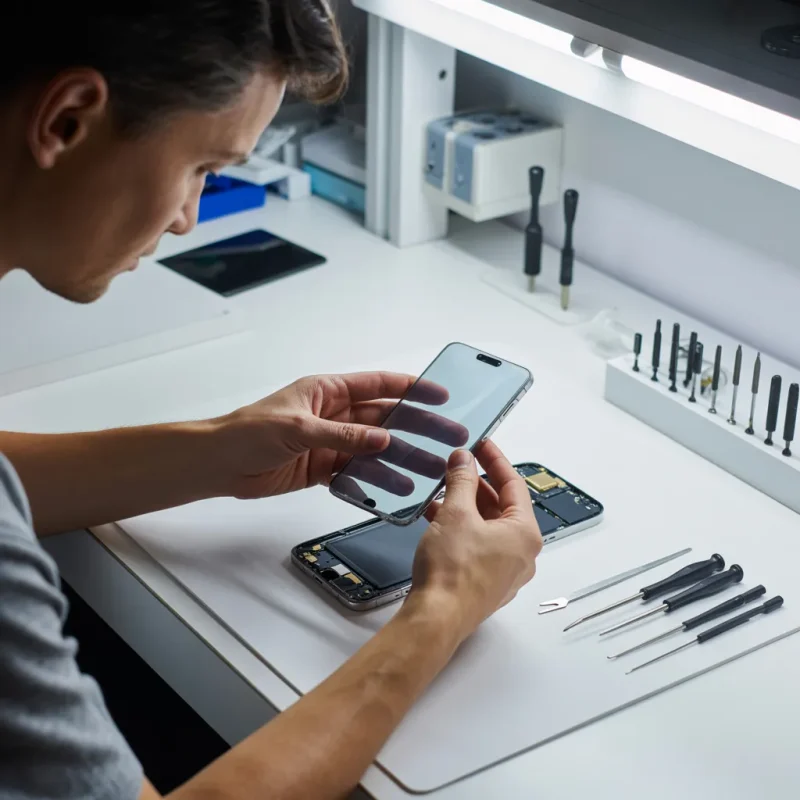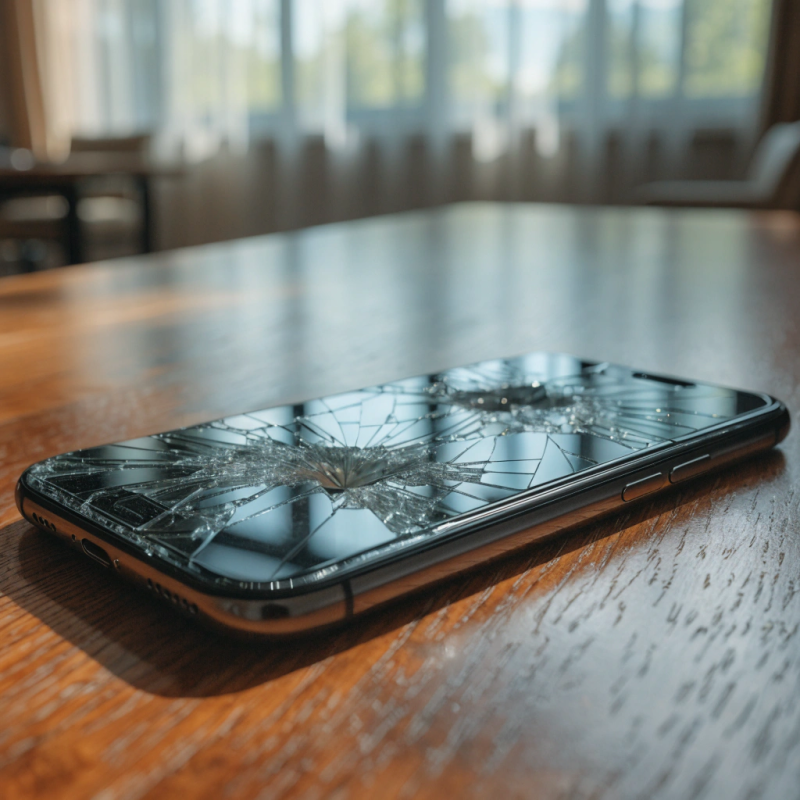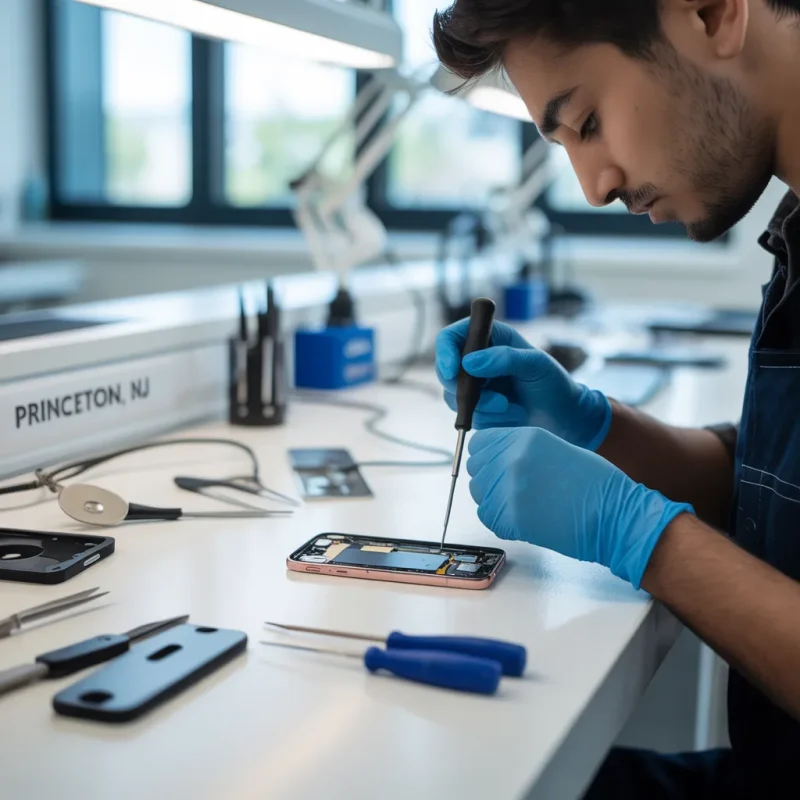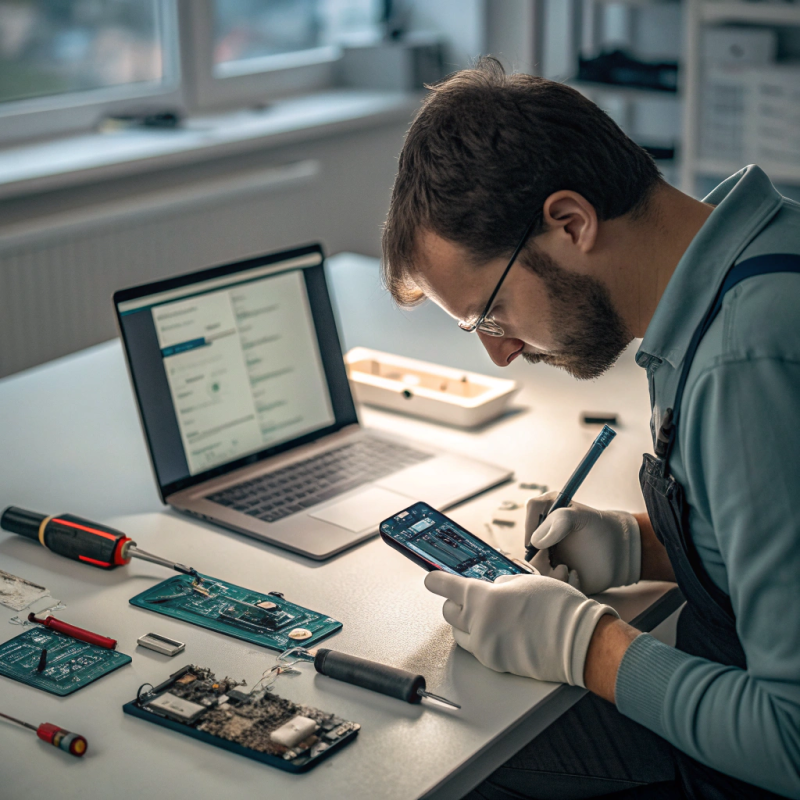
Nowadays, we are in a technological age where no one can go without his/her gadgets. It may be smartphones, tablets, or laptops, and we are surrounded by these tools, at the workplace, on our journeys, at the gym, the pool, etc. Most of the new models are labelled stating that they have water-resistance capabilities, but the thing you ought to know in 2025 is that water-resistant does not mean that it is waterproof.
So, what is Water Resistant really?
When a given device is touted as a water-resistant device, it signifies that it is temporarily possible to have some splashes of water or a slight rain, as long as the state is temporary. This does not imply that you could put it in a bathtub or even swim with it. Production does testing of these gadgets in laboratories. In real life, everything is unpredictable. A couple of teaspoons of water when cleaning hands is completely opposed to a phone falling into a bucket or getting wet in case of torrential rain.
In the year 2025, these labels remain a misunderstanding among many people, leading to unnecessary damage and expensive repairs.
Real-Life Scenarios
Imagine you are walking in Princeton during a sudden summer storm. Your phone is in your pocket, and you assume it is safe because it is “water‑resistant.” By the time you reach home, the screen starts flickering. Within hours, the microphone stops working. This is a situation where people often reach out for mobile repair services nearby.
Another scenario: you are in a coffee shop working on your laptop. A small spill from your cup touches the keyboard. You think it’s fine because your laptop has a water-resistant keyboard layer. A few days later, the laptop won’t start, and you end up searching for computer repair services in Princeton (if you’re staying nearby) that specialize in computer hardware repair services to fix the short circuit.
Parents often tell stories about tablets getting splashed with juice by kids. A mom in Trenton recently shared how her tablet survived a splash one day but stopped charging the next. She had to visit a tablet repair in Trenton Center for help. In North Brunswick, a student shared a similar story and ended up at a tablet repair in North Brunswick shop because the device simply refused to turn on after a poolside mishap.
Why Water Damage Still Happens
Even with better designs, water can sneak inside small ports. Seals grow weak over time. Features like wireless charging and slim designs leave little space for strong waterproofing.
Another issue is rating systems, such as IP67 or IP68, often confused. These tests use pure water in a lab. Real life has saltwater, pool water, or sugary drinks—all worse for tech.
What to Do If Your Device Gets Wet
Fast action! Turn it off right away. Don’t charge it. Dry it gently outside. Avoid hairdryers or the microwave—those will make things worse. Aim to take it to the pros as soon as you can.
For laptops or desktops, find reliable computer hardware repair places nearby. Quick help can save your crucial files and prevent further harm.
How Repair Services Are Changing in 2025
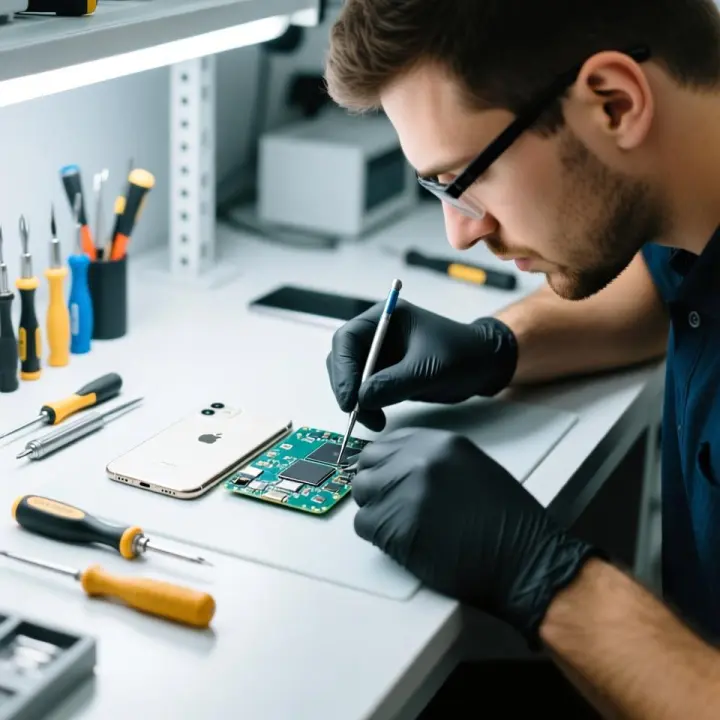
Repair places are now more skilled. They do more than just switch screens or batteries; they now give advanced cleaning and check-ups for water damage.
In Trenton, you’ll find fix services that tackle tough water issues. A screen repair spot in Trenton might help if your device’s screen stops working after a spill.
For tablets, spots in North Brunswick and Trenton now save water-hit circuit boards instead of just replacing them.
Tips to Keep Your Devices Safe
- Use waterproof covers. Even if your gadget is water resistant, a strong case helps more.
- Keep your tech away from pools, sinks, or heavy rain.
- Check it regularly. Periodic checks at reliable centers keep seals better.
- Back up your data. No matter how careful you are, mishaps occur. Regular backups keep your data safe.
Final Words
Given that they are water resistant, they will not eliminate all the damage. Many individuals are aware that water-resistant is not waterproof. Emergent care and quick response are of great importance: a phone in Lawrence, a tablet in Trenton, or a laptop in Princeton.
In case your device lands in actual water, do not wait. Seek the reliable assistance of the professional phone services or the experienced computer repairers. They can provide your technology with the attention it requires. Maintain your devices and they will keep serving you long.
Remain updated, be vigilant, and remember one thing: Water resistance is not bulletproof.
FAQs
1. Does water damage void my device warranty?
Yes. Most manufacturers clearly state that water damage is not covered under standard warranties, even if your device is labeled water‑resistant.
2. Can I use my water-resistant phone in the shower daily?
It’s not recommended. Steam and soapy water can seep into small openings over time, reducing the device’s water‑resistance.
3. How can I tell if my phone has water damage?
Look for signs like muffled sound, distorted screen colors, or delayed charging. Many devices also have liquid contact indicators that turn red when exposed to water.
4. Are water-resistant seals permanent?
No. Gaskets and seals can wear down with age, drops, or repeated exposure to heat, making older devices more prone to water damage.
5. Should I use rice to dry my wet phone?
It’s a common myth. Rice may absorb surface moisture, but doesn’t remove trapped water. Professional drying methods are far more effective.
6. Will third-party repairs affect my water resistance?
Sometimes. If a device has been opened for screen or battery replacement, it may lose its original water-resistant seal unless resealed by experts.
7. Can a phone still work after water damage?
Yes, temporarily. Many devices seem fine at first but develop corrosion inside over days or weeks, leading to sudden failure later.
8. Do repair shops provide water‑resistance testing after repairs?
Some specialized mobile repair services and computer hardware repair services now offer water‑resistance testing and resealing, but you should ask before the repair.
9. Is accidental water damage covered by insurance?
If you purchased device insurance or a protection plan, accidental water damage might be covered. Check your plan details carefully.
10. How can I prevent water damage while charging?
Never charge your device if it’s wet or even slightly damp. Moisture in the charging port can cause short circuits or permanent damage.