Introduction:
In today’s digital age, software and application issues are an inevitable part of using computers, laptops, smartphones, and tablets. Whether you’re a business professional or a casual user, encountering problems with your devices can be frustrating. However, understanding the types of software, learning to troubleshoot minor issues, and knowing when to seek professional help can save you time and money. This guide aims to empower you with the knowledge to navigate software and application issues effectively.
Understanding Software and Application Types
The instructions that communicate to a computer how it should operate are called software. Software is commonly sorted into two overarching types: system software and application software.
– System Software: System software is responsible for controlling the computer’s hardware and offering shared services to other programs.
System software examples encompass operating systems like Windows, macOS, and Linux.
– Application Software: Application software refers to programs created to carry out particular functions for users. They include productivity tools like Microsoft Office, web browsers like Google Chrome, and multimedia applications like Adobe Photoshop.
Understanding the type of software you’re dealing with can help you identify the root cause of an issue and determine the best course of action for resolution.
Common Software Issues and DIY Solutions
Many software issues can be resolved with a few simple steps. Here are some common problems and DIY solutions:
– Slow Performance:
- Purge the cache and delete the cookies in your web browser.
- Uninstall unnecessary applications.
- Run a disk cleanup utility.
– Application Crashes:
- Implement the latest version of the application.
- Reinstall the application.
- Determine if there are any compatibility concerns with your operating system.
– Compatibility Problems:
- Maintain the latest versions of your operating system and all other installed software.
- Use compatibility mode if available.
Maintaining Software Health:
- Consistently updating your software helps address security flaws and enhance performance.
- Performing regular antivirus and anti-malware checks is crucial for guarding against infections.
- Consistently backing up important files is an effective measure to guard against data loss.
When to DIY and When to Call in the Experts
While some issues can be resolved independently, others require professional assistance. Consider these guidelines as you work towards reaching a decision:
- If the issue is minor and you’re confident in your troubleshooting skills, DIY may be the way to go.
- If the problem persists after trying basic troubleshooting steps, it’s time to seek help.
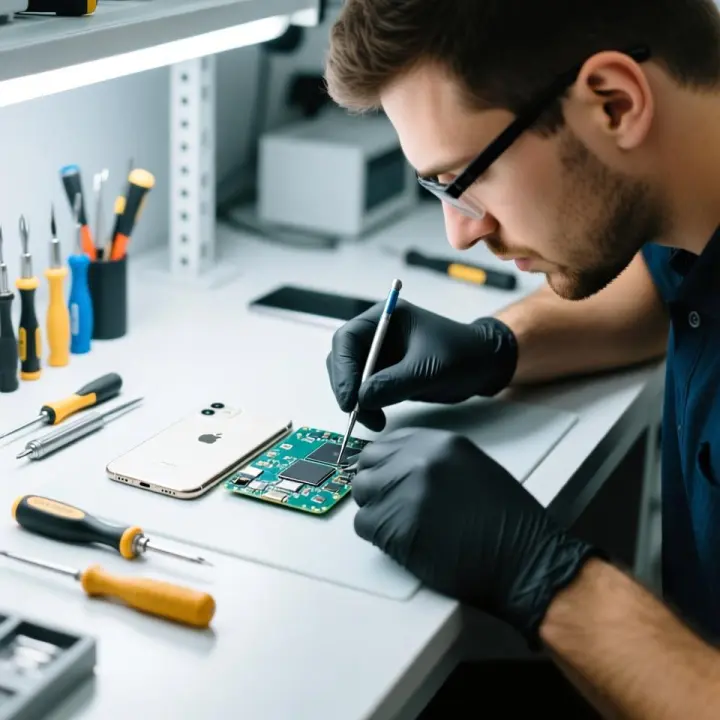
- Never attempt complex repairs, such as opening your device or tampering with system files, unless you’re a professional. This can lead to further damage.
Scenarios Where Professional Help is Necessary:
- Persistent system crashes or freezes.
- Data loss or corruption.
- Malware or virus infections that cannot be removed with antivirus software.
- Underlying hardware complications could potentially be the source of software-related issues.
Seeking Professional Help
When you need professional assistance, it’s important to find a reputable service. Here are some tips:
- Seek out feedback and endorsements from previous users of the product or service.
- Ensure the service provider offers a warranty or guarantee for their work.
- Have all relevant information ready, such as error messages and steps you’ve already taken.
For residents of New Jersey, there are several reliable options for professional assistance:
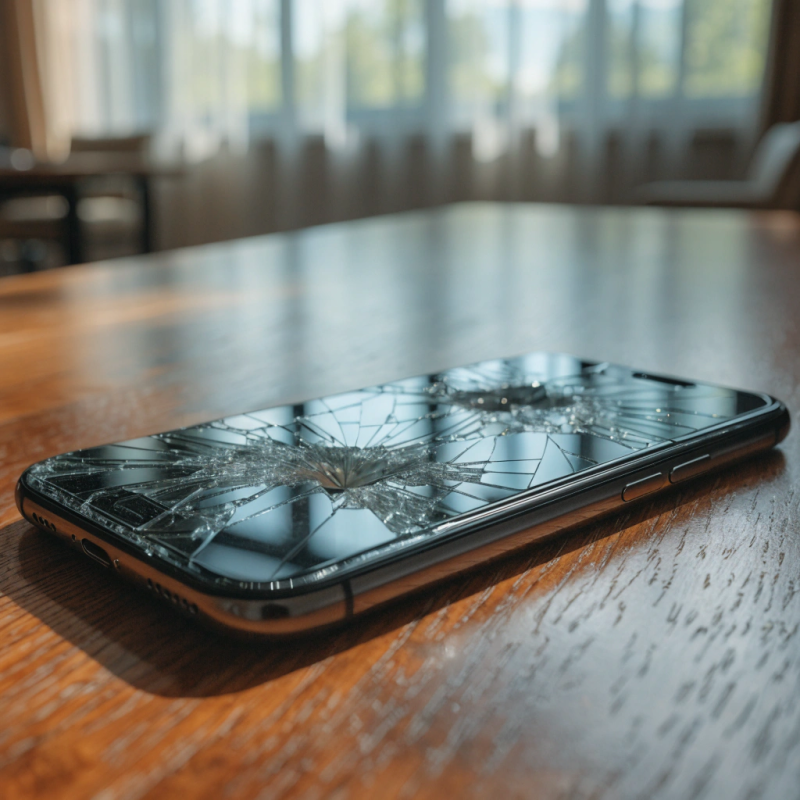
- Smartphone Services in Lawrence: If your smartphone is giving you trouble, consider reaching out to mobile repair services in Lawrence. These experts can handle everything from cracked screens to software glitches.
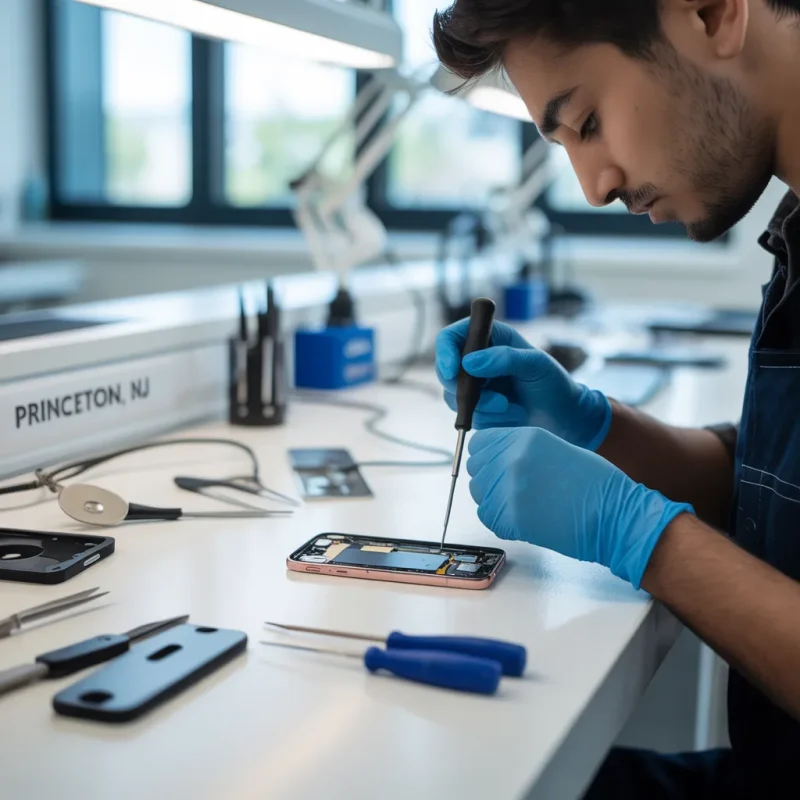
- Computer Repair Services in Princeton: For issues with your computer or laptop, computer repair services in Princeton offer a range of solutions, from hardware repairs to software troubleshooting.
- Electronics Repair Services in Trenton: Whether it’s your smartphone, tablet, or computer, electronics repair services in Trenton can provide comprehensive repair and maintenance services.
- Tablet Repair in Trenton: Specialized tablet repair services in Trenton can address issues specific to your tablet, ensuring it’s back to optimal performance.
- Mobile Repair Services in Lawrence: For on-the-go repairs and convenient service, mobile repair services in Lawrence offer solutions for smartphones and other mobile devices.
Navigating software and application issues doesn’t have to be a daunting task. By understanding the types of software, learning to troubleshoot minor issues, and knowing when to seek professional help, you can maintain the health of your devices and ensure they run smoothly. Remember, while DIY solutions can be effective for simple problems, complex issues require the expertise of professionals. Whether you’re in Lawrence, Princeton, or Trenton, New Jersey, there are reliable services available to assist you with all your electronics repair needs.
If you’ve encountered software issues and found this guide helpful, we’d love to hear your stories and solutions. Share your experiences with us! For professional assistance, consider reaching out to the recommended services in your area for top-notch electronics repair.