As the summer approaches, more people are making special efforts to cool down. But what about your electronics? Whether it’s PCs or Macs, or something else like a laptop, tablet, phone, or gaming console, electronics are extremely vulnerable to heat. The effects can be anything from slow performance to a completely destroyed piece of hardware.
Knowledge of how to save your tech against summer heat is necessary. Here is what the summer heat does to your devices, and most importantly, how you could prevent overheating.
How Heat Affects Electronics
Electronic gadgets produce heat when they are in operation. Devices are cooled through the built-in passive cooling system in cooler environments. However, in the worst climatic conditions, particularly when devices are operated outdoors, in hot conditions, these cooling levels find it difficult to cope. Overheating might cause:
- Decreased battery life
- CPU throttling (slower performance)
- Screen discoloration
- Hardware damage
- Sudden shutdowns
If your device is acting up this summer, it may not be a software glitch – it could be a heat issue.
Precautionary Tips to Prevent Overheating
Here are practical, effective tips to protect your devices from summer heat:
1. Avoid Direct Sunlight
Among the easiest things to care for electronic devices is to ensure that they are not exposed to direct sunlight. Long exposure might increase the internal temperatures within a short time.
- Put devices in the bag or cases when not in use.
- Never leave phones or laptops on the shelf of a car or window sills.
2. Turn Off Unused Services
Bluetooth, Wi-Fi, and GPS are just there, chewing on the battery life and heating the device when not being used.
- Switch off the services that are not in use.
- Use Airplane Mode during idle periods or in weak signal areas.
3. Let Devices Breathe
Ventilation plays an important role in heat dissipation. Blocking of air vents in laptops or storing the phone in tight pouches can also lead to overheating.
- Laptop cooling pads can be used, or hard, flat surfaces can be used to place the device.
- Never use phones with thick cases.
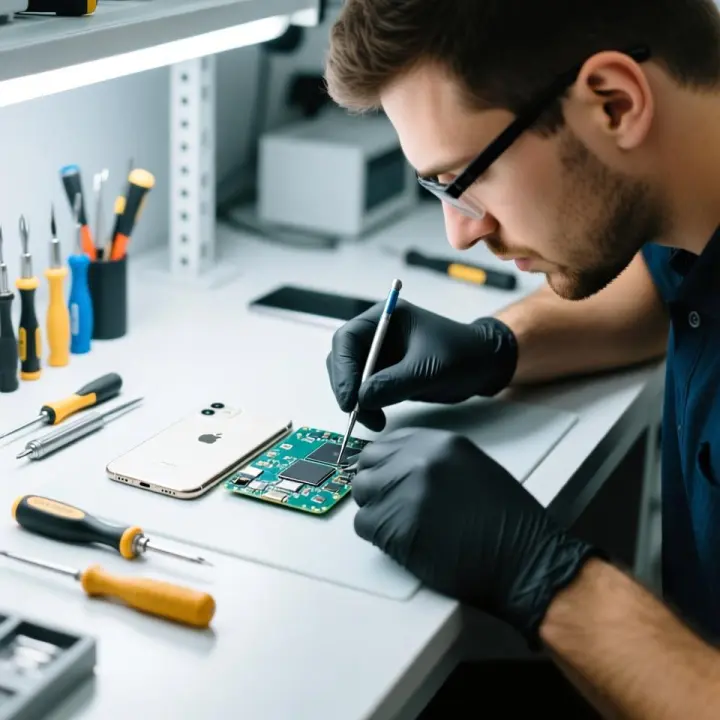
If you suspect ventilation problems, getting professional help from computer hardware repair services can prevent long-term damage.
4. Limit Intensive Tasks
High-resource tasks like video editing, gaming, or streaming HD content stress processors and batteries.
- Schedule such tasks during cooler hours of the day.
- Close unused apps and tabs.
5. Keep Batteries Healthy
Heat is particularly harmful to the batteries. Warning signs include swollen batteries, fast-draining power, and inability to store power for a longer duration.
- Avoid charging devices under pillows or blankets.
- Disconnect devices after a full charge.
- Use original chargers only.
If your device isn’t holding a charge, look into computer battery replacement services in Trenton to replace heat-damaged components safely.
6. Regular Maintenance Checks
Dust accumulates in the devices and insulates them, rendering them hot. This can be avoided by regular cleaning.
- Use compressed air to clean vents.
- Update device firmware for better performance management.
Professional cleaning from electronics repair services in Trenton ensures deeper maintenance that extends the life of your device.
7. Monitor Device Temperature
Many modern devices come with internal temperature monitoring features.
- Use system diagnostics or third-party apps to check temperature regularly.
- Shut down the device if it crosses recommended thresholds.
If you see frequent overheating warnings, it may be time to seek professional help for a full system check.
8. Store Devices in Cool, Dry Places
When not in use, storage location matters.
- Avoid placing devices in glove compartments or sealed boxes.
- During travel, put in cushioned and insulated containers.
The latter is particularly essential in the case of tablets that are becoming more common in the workplace and recreation. In case you observe performance problems, consider the best tablet repair service in North Brunswick to deal with heat-related issues.
When to Call the Experts
At times, things go out of control, and the devices get overheated. Don’t wait until it all breaks down. When you detect some symptoms such as the shutdown at random times, burning odor, swollen batteries, or slow screens, the best thing to do is to seek professional assistance.
As the temperatures increase annually, the repairing centers are becoming more capable of dealing with temperature-related diagnoses, along with solutions. Trouble with a slow laptop in Princeton, a tablet that flickers in Trenton, or a smartphone that just won’t charge in Lawrence? Your damaged devices can be set back in their ideal shape by local repair services and at affordable prices..
Stay Cool, Stay Connected
We are very much technology dependent in the kind of life that we are leading. Nonetheless, even high-tech devices need a bit of attention during extreme weather conditions. By using these tips and placing a call to some top-notch repair services in the event of the occurrence of a problem, such as computer repair services in Princeton, mobile repair services in Lawrence, you will definitely be able to spend the summer without having any issues with your technology and heat waves.
FAQs
1. Can leaving your phone in the freezer cool it down safely?
No! Extreme cold can damage internal components and cause condensation inside the device. Always let your phone cool down naturally in a shaded, room-temperature area.
2. How hot is too hot for most electronic devices?
Most smartphones, tablets, and laptops are designed to operate between 32°F to 95°F (0°C to 35°C). Exceeding this can trigger automatic shutdowns or damage internal parts.
3. Does using your device while charging cause it to overheat faster?
Yes, especially if you’re gaming, streaming, or running heavy apps. This adds stress to the battery and processor, generating more heat.
4. Can a hot power adapter be a sign of danger?
It can be. Slight warmth is normal, but if your charger feels too hot to touch, unplug it. It may be faulty or overworking — a fire hazard in some cases.
5. Do external battery packs overheat, too?
Yes. Power banks can overheat when left in the sun or used excessively. Store them in cool places and avoid charging them on hot surfaces.
6. How can I tell if heat has damaged my battery?
Look for signs like swelling, reduced battery life, charging issues, or overheating during light use. If these appear, it’s time for a professional check or a battery replacement service.
7. Is it bad to use a device with a cracked screen in the heat?
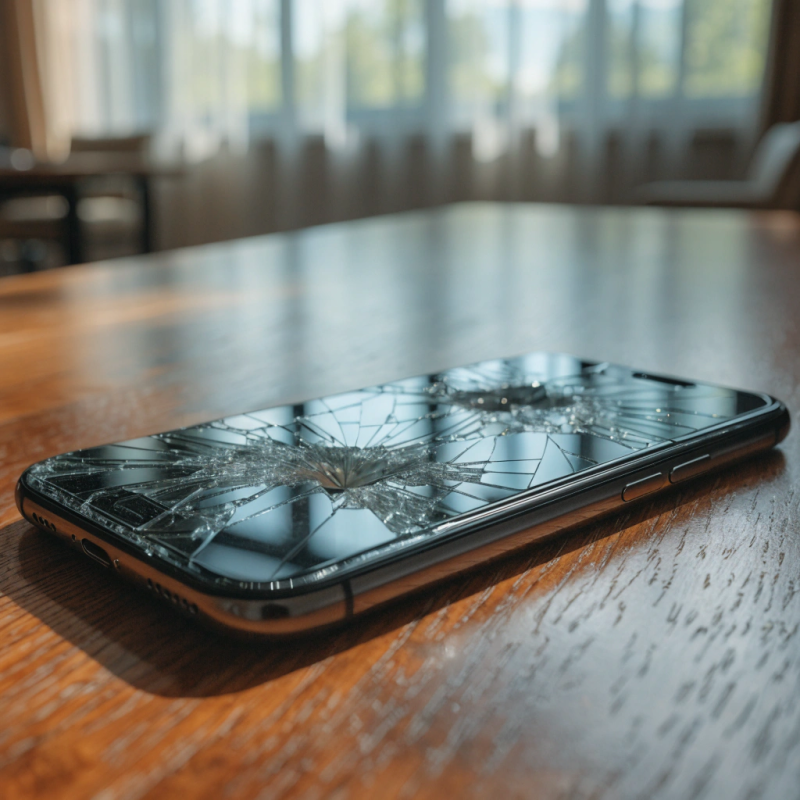
Yes. A cracked screen compromises the seal of the device, making it easier for heat and humidity to get inside and damage internal components.
8. Can fans or air conditioners help cool my devices?
Absolutely! Devices placed in well-ventilated, air-conditioned spaces are less likely to overheat. Just avoid placing them directly in the airflow from AC units, which may cause condensation.
9. Do waterproof cases increase the risk of overheating?
Yes. Waterproof or rugged cases often trap heat. Consider removing the case temporarily if the device feels too warm (as long as you’re in a safe, dry environment).
10. How often should I get my devices inspected during the summer?
If you live in a hot or humid climate, consider a mid-summer tech check-up from a local technician – especially for older laptops, phones, and tablets. Services like computer hardware repair in Lawrence or electronics repair services in Trenton can catch early warning signs before a full breakdown.