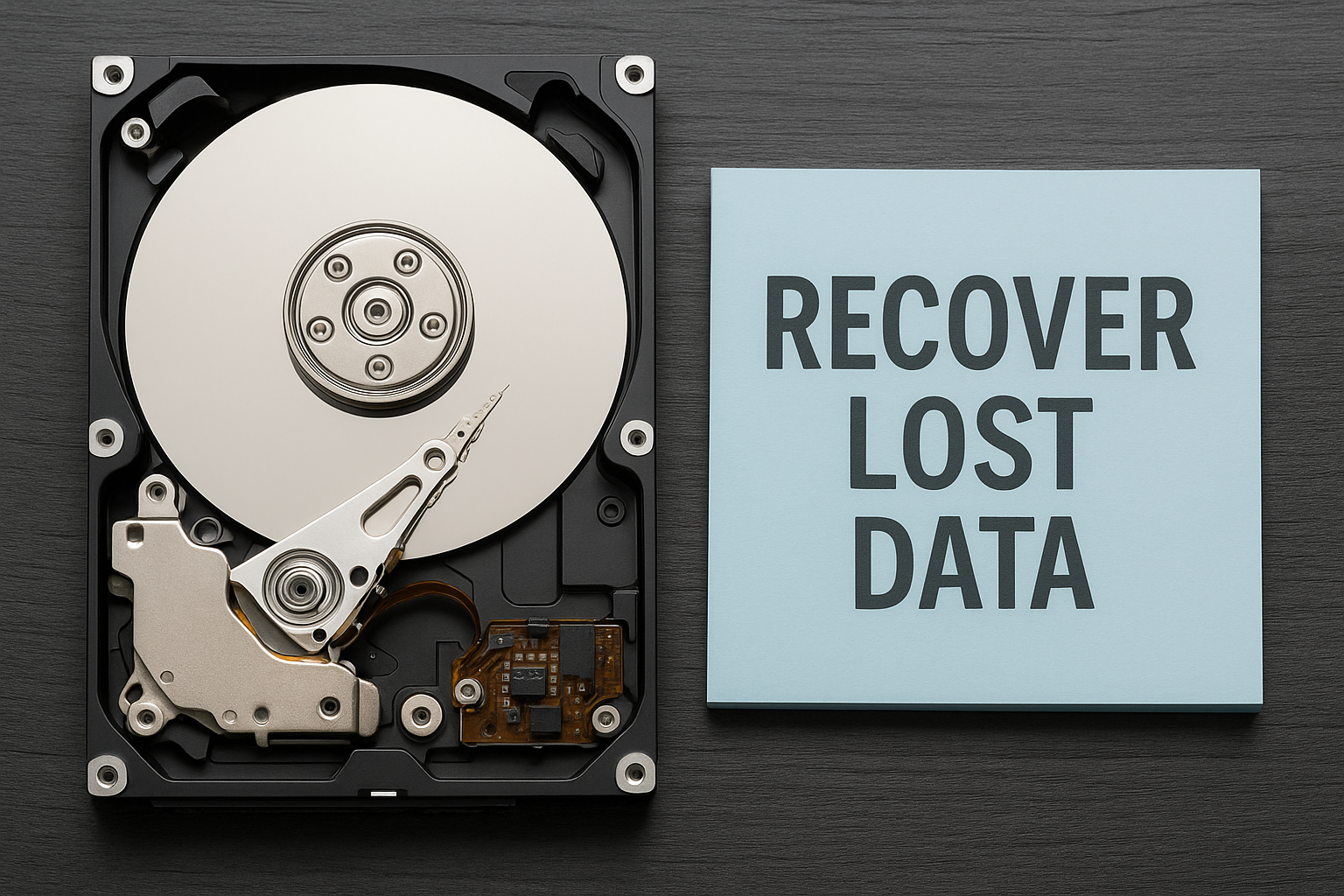
Nothing gives you more of a fright than a hard drive giving up in the middle of your computer activities. At one instant, your computer is running smoothly, stowing away all your treasured photos, essential documents, or work files – and within a second, it refuses to turn on. Regardless of the reason, be it hardware failure, a power spike, or injury, a crashed hard drive is as good as reaching a dead end. However, there is no need to be upset: you have various options for recovering your data from the hard drive.
This article guides you on how to retrieve data from a dead drive, the time to reach the specialists, and the most trustworthy places to get your computer fixed in Princeton, Trenton, Lawrence, East Windsor, and the nearby area.
What Causes a Hard Drive to Crash?
Hard drives can crash for several reasons. Knowing the cause helps you decide the best recovery method.
- Logical Failures: These include corrupted files, bad sectors, or accidental formatting. Your drive is physically intact but inaccessible.
- Mechanical or Physical Damage: The drive might be making clicking or grinding sounds — a sign that internal components like the read/write heads or platters are damaged.
- Electrical Failure: Power surges can fry the drive’s circuitry. In such cases, professional services of IC chip repair in East Windsor or IC chip repair in Trenton might be needed.
- Overheating or Drops: Drives subjected to physical trauma or high heat can stop functioning properly.
What to Do Immediately After a Crash
1. Stop Using the Drive
Once you suspect a crash, stop using the drive immediately. Continued operation can worsen the damage and overwrite recoverable data.
2. Determine the Nature of the Failure
Is the drive recognized by your computer? Are there unusual noises? Does your system freeze during boot-up?
- No recognition: Could be a logic board issue — consider services like FPC socket repair in Lawrence.
- Clicking sounds: Likely mechanical failure.
- Visible damage or burnt smell: Electrical damage may require soldering services in North Brunswick.
Steps for Data Recovery from a Crashed Drive
Step 1: Check Connections and Test Externally
Before assuming the worst, double-check the hard drive by taking it out and connecting it to another computer with a SATA-to-USB cable or docking station. In case the other machine detects the drive, you can immediately recover the files.
If you don’t know how to remove the drive, better to consult the professionals who offer computer hardware repair services.
Step 2: Use Data Recovery Software (for Logical Failures)
If the drive is detected, use reputable data recovery tools:
- Recuva
- EaseUS Data Recovery Wizard
- Disk Drill
These programs scan the drive and attempt to recover deleted or inaccessible files. Always save recovered files to a different drive.
Step 3: Seek Professional Help for Physical Damage
If the drive isn’t rotating or making noise, do not try any DIY repairs. Professional recovery labs use cleanroom environments and specialized tools to safely extract data.
This is where localized support is the best option. Providers specializing in IC chip repair in East Windsor, FPC socket repair in Lawrence, or soldering services in North Brunswick have adequate capabilities and resources to fix physically damaged components and drives.
Recovering Data Safely: Local Repair Services That Help
Some people who are adept with technology may try to recover the data themselves, but in most cases, this work still requires professional help. If you are dealing with other hardware problems alongside a drive failure, then your computer would need a thorough inspection.
The following issues are common, and we have mentioned a few places if you are looking for professional local services that can help.
Computer won’t charge or power up? You may be facing internal motherboard issues. Computer charging repair in Lawrence can address power supply failures.
Battery not holding a charge or swelling? Go for Computer battery replacement services in Trenton or Computer battery replacement services in Lawrence.
Damaged display or flickering screen? Alongside data recovery, check out Computer screen repair in Princetonor computer screen repair services in Trenton for a full hardware fix.
Tech support hubs offering computer repair services in Princeton can often provide bundled diagnostics for all these issues, ensuring your entire system is back in working order—not just your hard drive.
How Professionals Recover Data from Damaged Drives
Here are the issues that people commonly encounter and the local services that can help:
The data recovery process :
- Initial Diagnosis: They decide whether the failure is logical, electrical or mechanical, that is of concern.
- Drive Cloning: The experts first copy the entire drive on one more data storage before they proceed with data recovery to ensure no files are lost in the repair process.
- Component Replacement: Services such as those for soldering or IC chip repair are utilized to fix or replace broken parts.
- Data Extraction: After the file gets back, the one who was working on that store it in any safe external drive.
- System Repair: Web pages that are having trouble loading and other malfunctions from the computer can be repaired through computer hardware repair services or screen repairs that are offered along with other services in a complete package.
Tips to Prevent Future Data Loss
One thing to keep in mind is that hard drives do not last forever. Follow these simple steps to ensure the safety of your data:
Regular Backups: Employ hard drives and/or cloud storage to keep copies of your computer data safe once a week.
Use A UPS (Uninterruptible Power Supply): This is a very effective way to prevent your gadgets from getting fried in the event of a power surge.
Temperature Control and Cleaning: High temperatures can significantly curtail the life of computer hardware components.
Make sure to book regular tune-ups: Service providers from computer repair in Princeton, Trenton, or Lawrence can perform once a year checkup.
Final Thoughts
It’s very upsetting whenever data on the hard disk crashes, but there are still some options left. By acting fast, knowing the symptoms, and selecting the right method, you may increase the chances of a perfect recovery to a great extent.
If DIY methods don’t work, trust your local tech experts. From IC chip repair in Trenton to computer charging repair in Lawrence and soldering services in North Brunswick, help is available across central New Jersey. And remember—repairing your drive is just one part. Full system restoration with help from professionals offering computer screen repair in Princeton or battery replacement services in Trenton can give your entire setup a fresh lease on life.
Ensure that you are backing up your data on a regular basis so that a disaster will not make you panic.
FAQs
Q1: How long does data recovery typically take?
A: Recovery time can range from a few hours to several days, depending on the damage. Logical issues are quicker, while physical or chip-level failures may take longer.
Q2: Is it possible to recover data from a solid-state drive (SSD)?
A: Yes, but SSD recovery is more complex due to built-in encryption and TRIM functionality. Specialized tools and professional help are often needed.
Q3: Will data recovery void my computer’s warranty?
A: In some cases, yes—especially if you open the device yourself. It’s safer to consult authorized computer hardware repair services for assistance.
Q4: Can I recover data from a drive affected by ransomware?
A: Sometimes, but it’s difficult. Do not attempt to remove ransomware on your own. Contact data recovery professionals and cybersecurity experts immediately.
Q5: Does freezing a hard drive really help recover data?
A: This is an outdated myth. Freezing a drive may cause condensation and further damage. It’s not recommended by professionals.
Q6: What is the difference between data recovery and file repair?
A: Data recovery retrieves lost or deleted files, while file repair fixes corrupted files (e.g., broken videos or documents) after recovery.
Q7: Can recovery software access password-protected files?
A: Recovery software can recover encrypted files, but you’ll still need the password to open them. The encryption stays intact after recovery.
Q8: Will using recovery software overwrite my lost data?
A: If installed on the affected drive, yes. Always install recovery tools on a separate device or drive to avoid overwriting.
Q9: Can overheating or fan failure affect data recovery success?
A: Yes. Overheating can worsen damage to platters or chips, reducing the chances of recovery. Fix thermal issues quickly from a professional technician.
Q10: Is cloud backup more reliable than external drives?
A: Cloud backups are more secure and automatic, but they depend on internet access. A mix of cloud and physical backups offers the best protection.