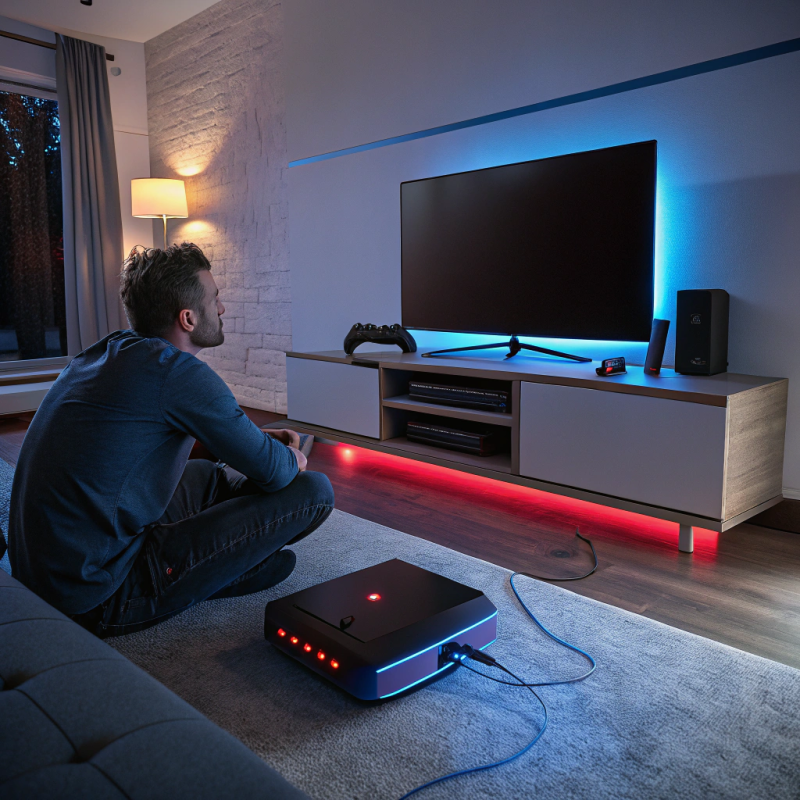
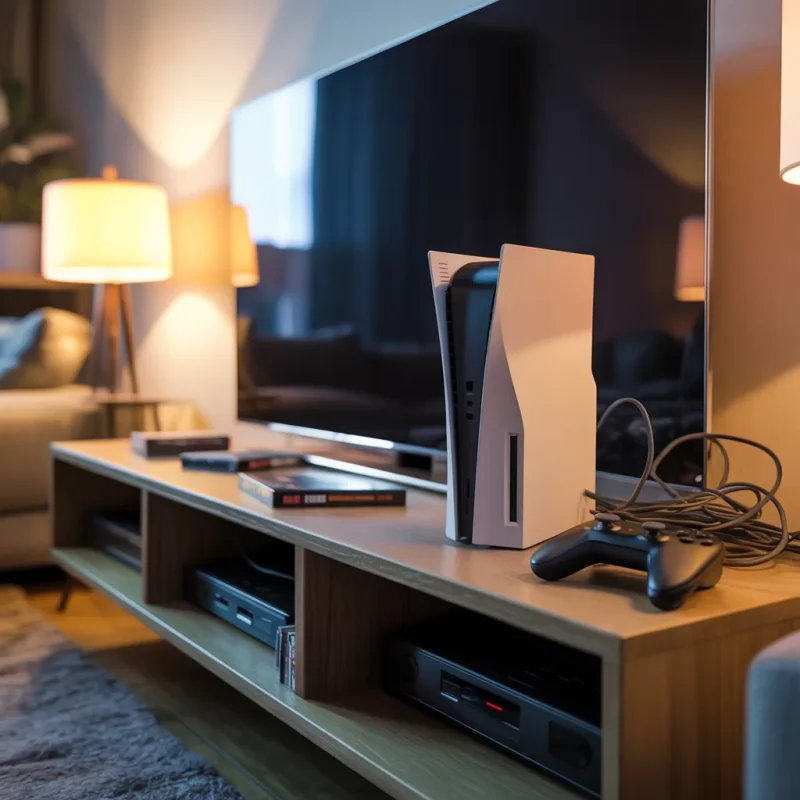
Gaming consoles are a big investment, and taking good care of them is a substantial guarantee for keeping them in perfect shape for a long time. Probably the most frequent occurrence is that the console’s overheating issue may bring new problems, including the game’s performance down, some unscheduled shutdowns, and the worst case scenario – your console is permanently damaged. Knowing how to stop it and fix the problem of overheating can, apart from saving you money, also save your time.
In our cover story, we’ll dive into overheating causes, preventive methods and actionable solutions that can make our consoles work smoothly.
Why Do Game Consoles Overheat?
First and foremost, it is important to comprehend how overheating occurs even before discussing possible remedies. Several reasons result in gaming consoles being subject to the problem of excessively high temperatures:
- Lack of Venting: For the heat to get away quickly, game consoles have to have fresh air circulation. In cases when they are installed in places like entertainment centers, which are not ventilated properly, or there are other instruments next to them, then the hot air gets stuck causing the inside temperature to rise.
- Dust and debris: Dust gradually decreases the efficiency of the cooling fans and heatsinks by clogging them. It is considered as a major overheat trigger, and is mostly not taken into account until the device’s performance has really become an issue.
- Extended gaming sessions: Playing games with high graphics for a long time without stopping makes the console’s hardware burn out, causing overheating.
- Faulty or Worn-Out Cooling Components: When the internal fan stops working or the thermal paste decays, the heat transfer becomes less effective, which will result in overheating.
- High Room Temperature: Gaming in a hot room or near direct sunlight causes the console’s internal temperature to rise, the result being that it’s more challenging for the cooling system to work the way it should.
If you think your console is overheating from a hardware malfunction, professional experts from game console overheating solutions in Trenton can advise you on what the actual problem is and how it can be resolved, thus preventing any potential damage to the machine
How to Prevent Game Console Overheating
We always prefer prevention over cure. By practicing these best habits, there’s a great chance of reducing the risk of overheating.
1. Ensure Proper Ventilation
- Ensure there is a distance of at least 4-6 inches all around between the console and the surroundings.
- The console should be placed in a vertical position and no other devices should be placed on it.
- When using an entertainment center, make sure it allows for good ventilation or put in little cooling fans.
For expert advice on optimal console placement, consider consulting game console services in Lawrence.
2. Clean the Console Regularly
Dust accumulation is the primary villain responsible for the extra heat. This is the solution for you to keep you console clean:
- Try to remove dust from the vents with the help of compressed air every 1-2 months.
- For thorough cleaning, you can unscrew the console yourself (if you know to) or leave this to the professional repair service.
- Never use a vacuum cleaner as it produces static electricity that may cause damage to internal components.
If you’re unsure about disassembling your console, electronics repair services in Trenton can handle thorough cleaning safely.
3. Take Breaks During Long Gaming Sessions
- Giving your console a 15-20 minutes cooldown period after 3-4 hours of continuous use is the best option.
- If the room is warm, it is better not to leave the console in rest mode for a long time.
4. Use External Cooling Accessories
- Cooling stands with built-in fans will be the right choice.
- A laptop cooling pad (if appropriate) can make the situation of heating up go away.
- Optimize the Gaming Environment
- Keep the room temperature between 65-75°F (18-24°C)
- Avoid placing the console near radiators, heaters, or direct sunlight.
If overheating persists despite these measures, professional game console overheating solutions in Trenton can identify underlying hardware issues.
Fixes for an Overheating Game Console
If the console you own is already overheating, one thing that can be done is to follow these troubleshooting steps:
1. Check for Blocked Vents
- Examine the vents. Are they clogged with dust or any obstructions?
- Change the console’s place to a colder room if needed.
2. Replace Thermal Paste
- Over time, the thermal paste that has the function of transmitting heat from the CPU/GPU to the heatsink becomes dry.
- By applying a suitable high-quality thermal paste, we can increase the heat dissipation.
If you’re uncomfortable doing this yourself, electronics repair services in Lawrence can assist with thermal paste replacement.
3. Test and Replace Faulty Fans
- Listen for unusual fan noises (grinding, rattling, or complete silence).
- If the fan isn’t spinning, it may need replacement.
Many repair shops like computer hardware repair services can also replace console fans.
4. Update System Software
- In some situations, obsolete firmware can result in overheating because of power management, which is simply not efficient.
- Have a look at system updates in the console settings.
5. Reset the Console to Factory Settings
- If software corruption leads to the unit’s overheating, a factory reset can fix the problem.
- Always be sure to back up your data first. Resetting will delete all the saved games and settings.
6. Seek Professional Repair Services
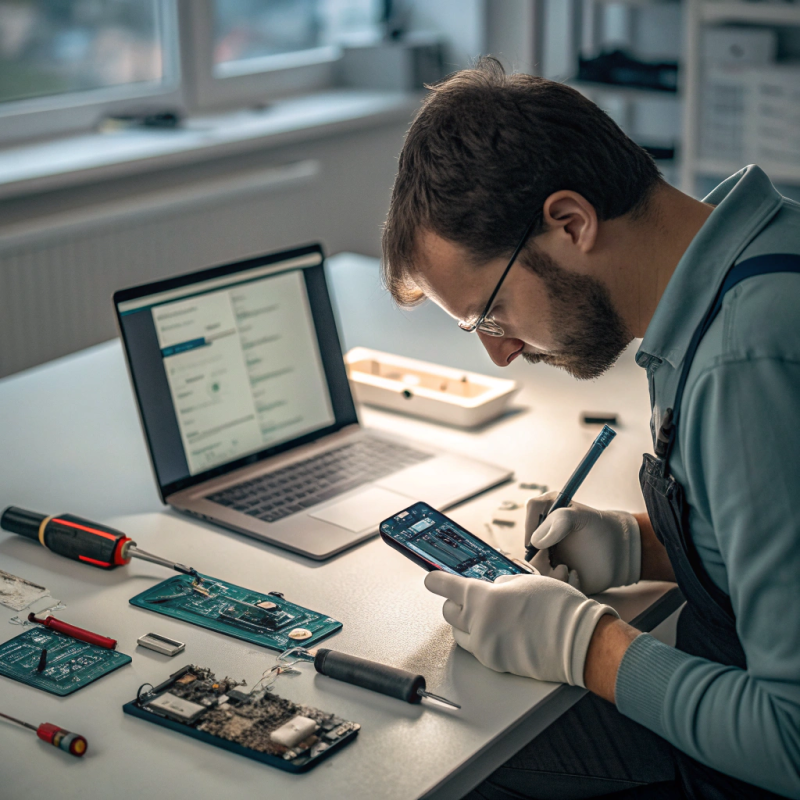
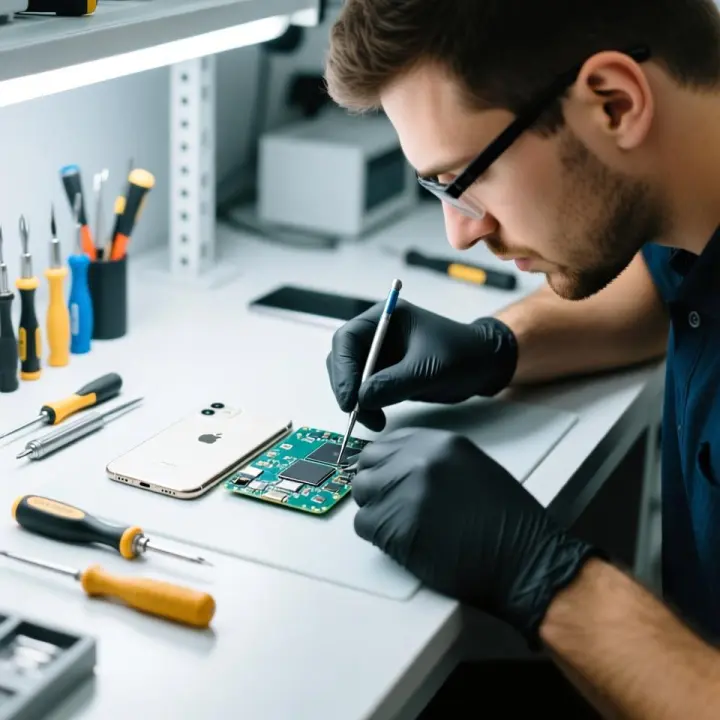
If you are unable to fix it yourself, then you should take it to a professional. A great number of repair stores that provide tablet repair in North Brunswick or Computer screen repair in Princeton also deal with gaming console repairs too.
When your electronic device gets too hot, it will not only effect your gaming experience, but will also shorten the life of the device. You can make the device operate smoothly by taking measures that cool the device, while you play the games.
If the overheating continues, do not delay in getting in touch with a professional. In case you are looking for a video game console overheating solutions in Trenton, tablet repair services in Trenton, and/or the computer repair services in Princeton – expert specialists can do the troubleshooting and repair for you in no time.
With proactive precautions at an early stage, you will not only enjoy non-stop gaming but also give a longer life to your precious electronic devices. Have some enjoyable gaming time!
FAQs
1. Why does my game console overheat?
Overheating can be caused by poor ventilation, dust buildup, long gaming sessions, faulty cooling components, or high room temperatures.
2. How can I prevent my console from overheating?
Ensure proper airflow, clean dust regularly, take breaks during long sessions, use cooling accessories, and keep the room cool.
3. How often should I clean my game console?
Clean the vents with compressed air every 1-2 months. Deep cleaning (internal fans & heatsinks) should be done every 6-12 months.
4. Can overheating permanently damage my console?
Yes, prolonged overheating can cause hardware failure, reduced performance, or even permanent damage to the CPU/GPU.
5. Should I replace the thermal paste in my console?
Yes, if your console is old or running hot, replacing dried-out thermal paste can improve cooling efficiency.
6. What are signs of an overheating console?
Loud fan noise, sudden shutdowns, lagging performance, or error messages about overheating are common signs.
7. Can I use an external fan to cool my console?
Yes, cooling stands or laptop cooling pads (if compatible) can help improve airflow and reduce heat buildup.
8. Where should I place my console to avoid overheating?
Keep it in an open, well-ventilated space with at least 4-6 inches of clearance on all sides. Avoid enclosed shelves.
9. Should I turn off my console if it overheats?
Yes, immediately power it down and let it cool for at least 30 minutes before restarting to prevent damage.
10. Where can I get professional help for an overheating console?
Seek “game console services in Lawrence” or “game console overheating solutions in Trenton” for expert diagnostics and repairs.