Enhancing the Life
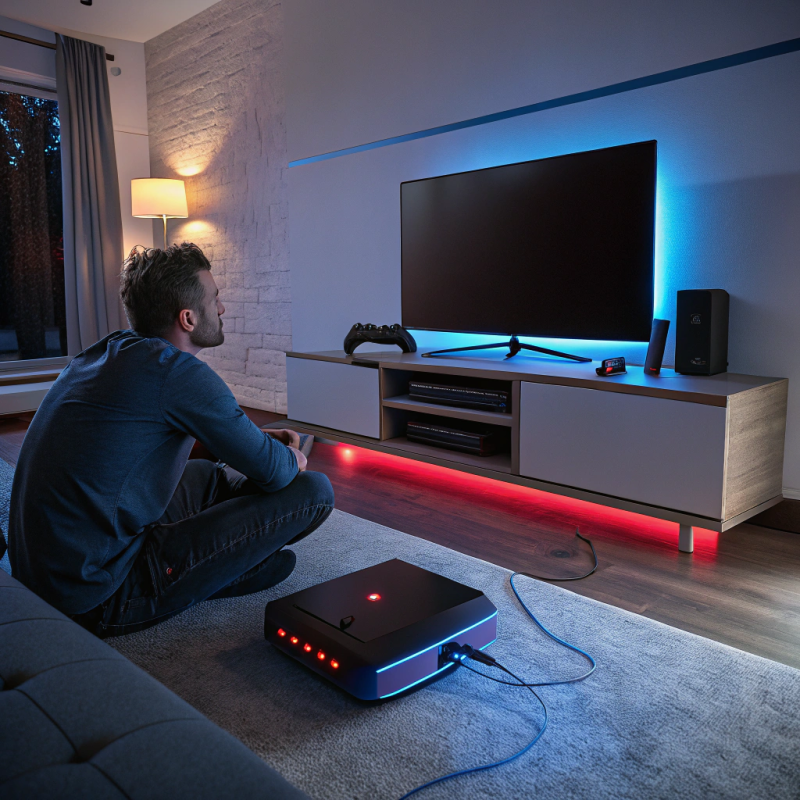
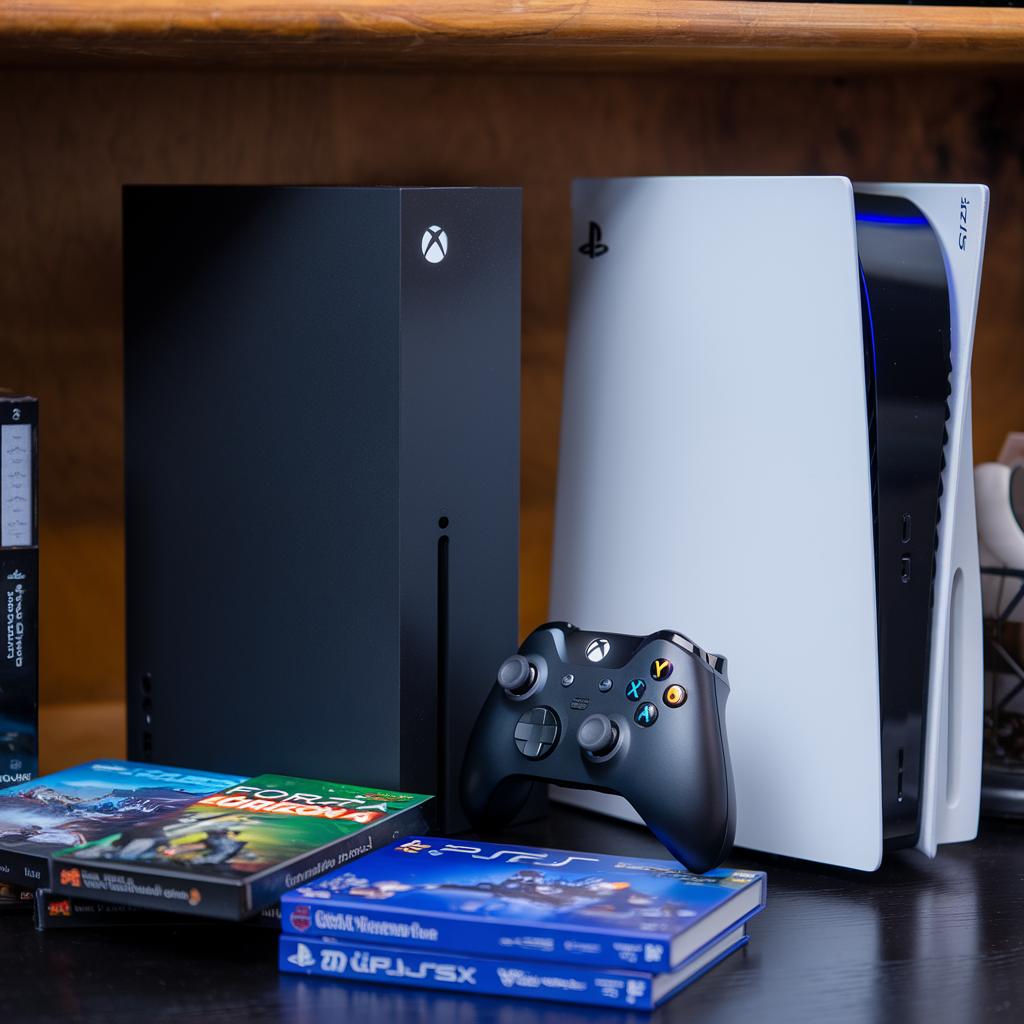
Game consoles have evolved to be integral devices in our lives, and their upkeep is paramount, so as to ensure they remain in top condition. However, many players tend to ignore regular maintenance and only focus on getting the latest accessories and games. This is where this article comes in as it sheds light on the process of properly caring for and maintaining a game console to resolve issues, get better performance, and prolong its lifespan.
Why Preventive Maintenance for Game Consoles is Essential
Electronic devices and game consoles require care to work in optimal conditions, without any issues. The regular maintenance can exclude the chances of needing expensive repairs, and equipment substitutes. Undertaking software updates, cleaning, dusting, and optimizing settings not only enhances the performance but also reduces the chances of enduring a hardware failure. These all would allow the console to run seamlessly for a long time, giving you a lot of bang for your buck.
1. Console Maintenance: Cleaning and Dusting
Importance of keeping the Console Dust Free
Accumulated particles is one major reason of consoles disorder. It is no surprise that the cooling vents might get choked causing severe overheating and system pauses after too much dust seep into the vent. Additionally, it could ruin sensitive parts such as the disc drive or the HDMI ports, consequently ruining the experience during gaming.
Process of Cleaning the Console
• Exterior Cleaning: The very first step in making sure the console is maintained is to get hold of a microfiber cloth: This can be used to thoroughly clean the outer layer of the game console such as removing fingerprints and dust. One must always refrain from using harsh chemicals, as this may ruin the consoles finish.
• Interior Cleaning: Dust in the vents is also something that must be removed as this too can accumulate overtime and ruin the cooling system, and compressed air can play a role in removing the dust since it dislodges the dust without causing any damage. One must always be careful when cleaning the insides as the components can be sensitive.
• Cleaning the Disc Drive: For consoles that have a disk drive, it is highly recommended to clean it regularly. This is important for maintaining the consoles ability to read disks. Using a disc drive cleaning kit or microfiber cloth does the job perfectly, as it safely wipes off the lens to ensure the disk are properly read.
How Often to Clean it
As a rule of thumb, residents with chambers that are excessively dusty or those that utilize their consoles on a regular basis should consider cleaning their homes with greater frequency. Otherwise, performing cleaning on a periodical basis will suffice.
2. Improving the Cooling and Ventilation Mechanism
The Importance of Cooling
Gamers face the biggest problem of ‘overheating’, especially in gaming consoles like the PlayStation 5 or the Xbox Series X. Try gaming for hours on end and your console will experience some heat accumulation. Overheating leads to performance throttling and in the worst case the console would freeze or shut off altogether. If the overheating persists, it could lead to certain internal components being damaged which would decrease the lifespan of the console.
Ways to Enhance Cooling
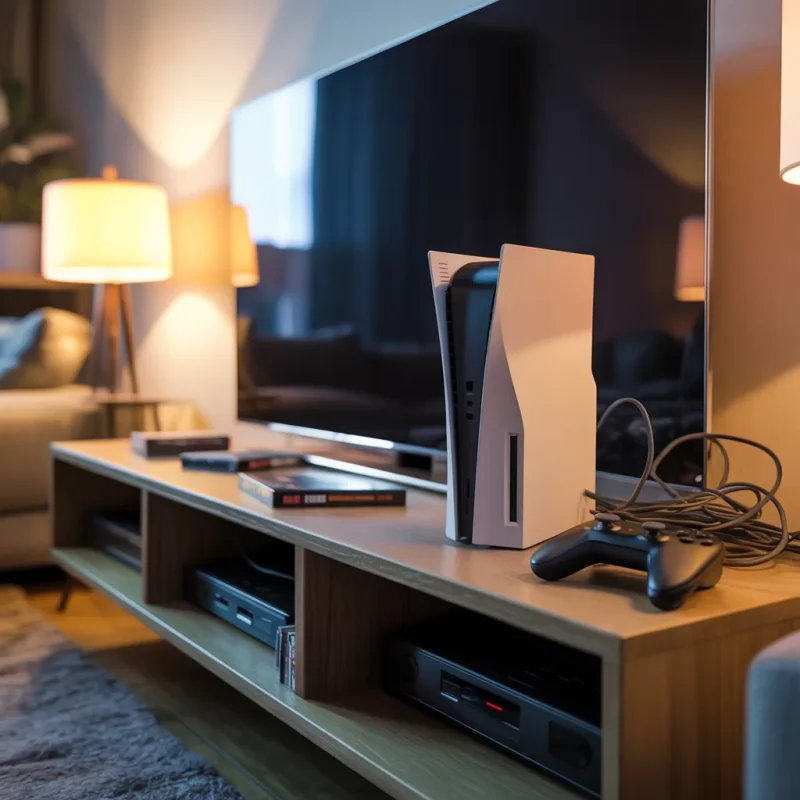
• Cooling Placement: Never ever leave your console in areas where there is minimal or no airflow. Rather, make sure it’s placed in an open area instead of tables, which can trap air inside the console.
• Consoles Accessories: Cooling stands are vital for any gamer. Stands and fans allow increased airflow to your console and prevent overheating from occurring.
• Maintaining Fans: The internal fans present in a console are crucial in preventing overheating. If your console is constantly dusty, try using a vacuum to clean it up as it could reduce the fan efficiency. In the meanwhile, replace or repair the fan if it gets too loud or works inefficiently.
Signs of Overheating
You can identify overheating when the fan makes unusual and loud sounds when the console has a graphical glitch or overheats and shut down entirely. These issues need to be resolved immediately as they can permanently damage your console.
If you live in or near Trenton, or Lawrence, game console services in Lawrence, game console overheating solutions in Trenton offer specialized services that can diagnose and repair cooling issues.
3. Regularly Checking For System Software Updates
Why Software Checks Are Necessary
The game consoles incorporate the use of software updates much like computers and smartphones in order to improve their performance, eliminate software bugs and patch all existing security flaws. Opting for regular software check updates is essential as it makes sure that you access the new fixes and makes your console faster.
Steps on How to Upgrade Your Console
• Auto-Upgrades: The main benefit of enabled setting for console auto-upgrades is the fact that users do not need to worry about manual checking for new updates. If you do not wish to encounter problems, then ensure that this feature is enabled.
• Manual Check for Updates: If you are the type of user who prefers manually updating their console, then you can go through the settings and look for available upgrades. Both the PlayStation and Xbox allow users to install the latest version of the consoles firmware with a few clicks.
Benefits of Checking For New Versions
Most users believe that the only reason why users prefer console upgrades is to increase performance. However, many prefer to keep their console up to date so that they do not encounter issues when playing the new titles.
4. Take Control of Your Data’s Backup and Storage
Importance of Storage Management
Both the PlayStation and Xbox require a good amount of storage with modern games, thus it’s essential to manage the console’s content regularly. Without free storage on your drive, your console may become sluggish and load times back up, as a result of which you may not be able to download new games.
How to Optimize Storage
• Delete Games That Are Not Used: Once in a while check your library for games or apps that were not used or played for a long duration and simply delete them. This opens up space for new content.
• Utilize External Storage: If you are having a shortage of space in your internal hard drive, then you can use an external SSD or hard drive. PlayStation and Xbox offer support to external devices, which means that you can easily increase the amount of storage available in your console.
• Backing up Your Data: Always save game saves, settings and profile data to the cloud or external storage to minimize the risk. This will save your data in the event of a malfunction or factory reset.
Indicators That You Need and More Storage
Watch out for storage space alerts, new game installation problems and consoles that perform at an unequipped pace; all of these might be signs that your console storage optimization is due.
For expert help in resolving or enhancing your storage problems in Trenton, it is advisable to get alloyed with electronic repair services.
5. Taking Care of Your Console’s Power Issues
The Need for Protection against Power
Dips or spikes in power can do insurmountable damage to the internal circuitry of your console gaming device. These aspects are often varied so it is likely that one should address these rather than sitting at the back waiting for something drastic to occur.
Methods for Protecting Your Console Incorporating:
• Surge Protector: Ensure to incorporate a surge protector for your console as it will protect the device from electrical spikes.
• Unplug During Storms: If you reside in a region where storms are common or heavy electromagnetic interference occurs, un-plugging your console will reduce the risk of damage during such times.
• UPS (Uninterruptible Power Supply): A UPS will allow backup power in the event of power blackouts and ensure a consistent supply of electrical voltage to avoid any electrical damage.
6. Restarting Your Console Occasionally
Why This Is Important
Restarting your console is far more important than you may think as it clears all temporary files and resolves minor software issues that may cause your device to take longer than normal to operate.
Frequency of Restarting
It is best to restart your console weekly particularly after heavy use of gaming or streaming media even if your console is running fine.
7. Refraining from inflicting Physical Damage
Why Is Physical Care Important
Accidentally dropping your gaming console or handling it too roughly will not only damage the components of the console but also the internal wires making it one of the easiest ways to cause physical damage and shorten the console’s life.
How to Minimise Damage
• Use a Case: Using a drop resistant case when you are not actively using the console can help reduce any damage caused by slippage and bumps.
• Tidy up Cable: Keeping the cables neat and tidy makes it easier to avoid tripping or pulling them which will help secure the cables as well as avoid damaging the console.
• Good Holding Point: Stacking the console up on a flat surface will help ensure that it doesn’t get easily knocked off or dropped.
Conclusion
If you carry out the procedures mentioned above, then you can be assured that your game console would be able to work to the best of its ability for a significant amount of time. These procedures include proper regular cleaning, adequate cooling, timely updates of all necessary software as well as proper storage management, and will help prevent problems that require costly repairs. Preventative maintenance is going to assist you regardless of whether you’re combating overheating, poor performance or aspects related to connectivity.
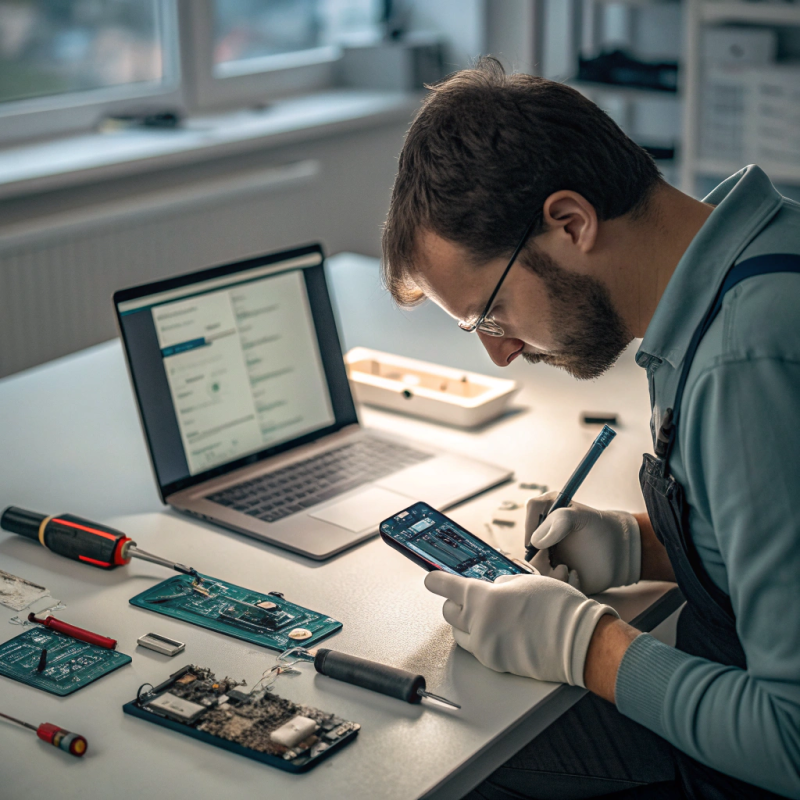
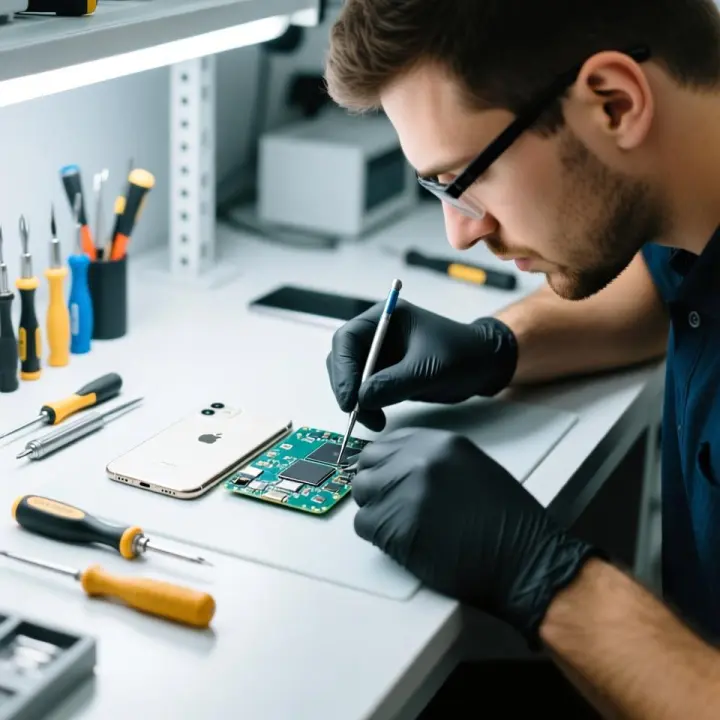
In case if your gaming device needs serious professional help you could consider reaching out to professional repair services. “Electronics repair services in Trenton“, “computer repair services in Princeton“, “computer hardware repair services“, computer repairs in Princeton will come in handy while dealing with console related components.
Overall, it is very important to care of your gaming devices to ensure that they will work for a longer time period without any issues. We hope you have fun gaming!
FAQs on Game Console Maintenance:
1. Why is preventive maintenance important for game consoles?
Preventive maintenance helps extend your console’s lifespan, improves performance, and reduces the need for costly repairs by addressing common issues early.
2. How often should I clean my game console?
Clean your console every few months, or more often if you live in a dusty environment or use it frequently.
3. What are the signs that my console is overheating?
Signs of overheating include loud fan noises, graphical glitches, or the console shutting down unexpectedly.
4. How can I improve my game console’s cooling system?
Place your console in a well-ventilated area, use cooling stands, and clean internal fans regularly to prevent overheating.
5. Should I enable automatic software updates on my game console?
Yes, enabling automatic updates ensures your console stays up-to-date with performance improvements and security patches.
6. How do I manage my console’s storage effectively?
Delete unused games, use external storage, and back up data to avoid storage issues and maintain performance.
7. Can power surges damage my game console?
Yes, power surges can damage your console. Use a surge protector or UPS to safeguard it.
8. How often should I restart my console?
Restart your console weekly to clear temporary files and improve performance, especially after heavy use.
9. What can I do to prevent physical damage to my console?
Place your console on a stable surface, use protective cases, and keep cables organized to prevent physical damage.
10. Where can I find professional repair services for my console?
You can find game console services in Lawrence, electronics repair services in Trenton, or computer repair services in Princeton for professional assistance.