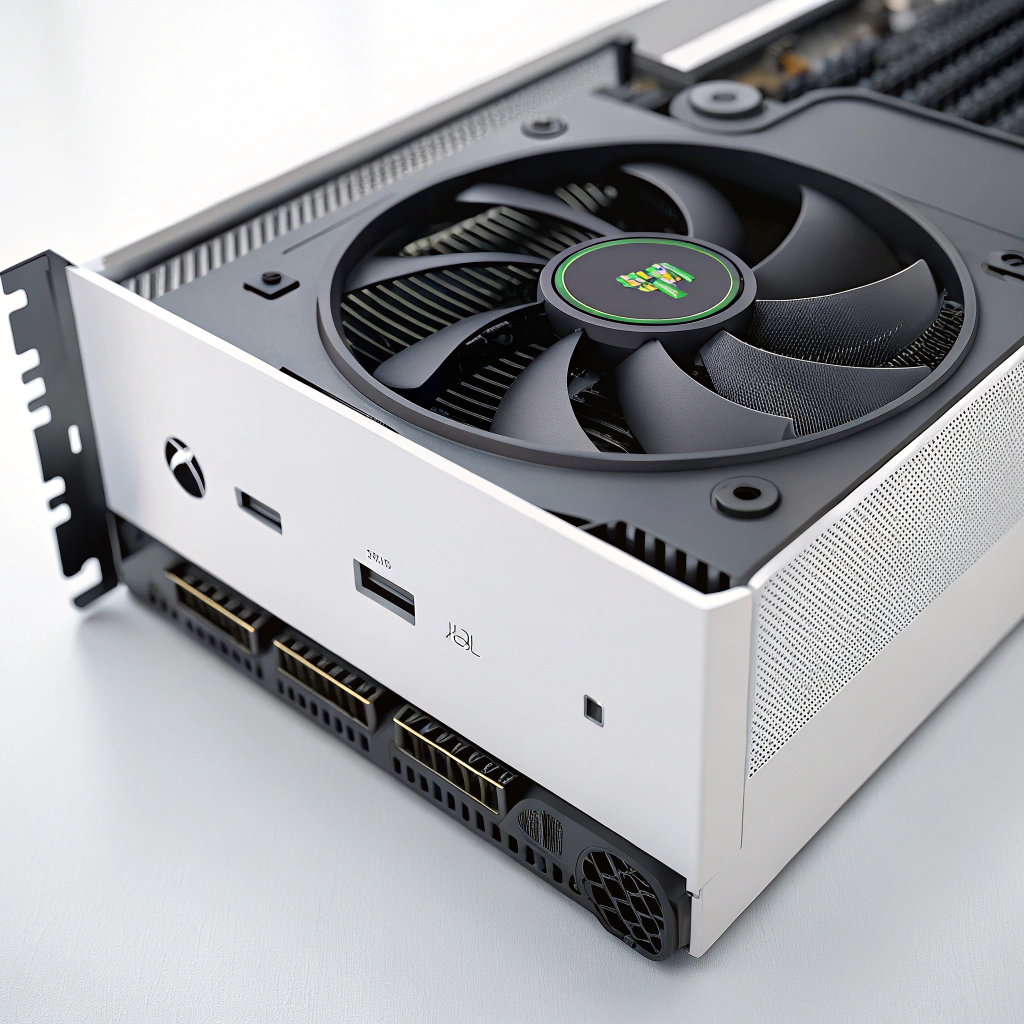
Game Console Fan Repair | The latest game consoles are high-powered devices that, in most cases, need professional maintenance from a game console repair store. These are the high-end machines that provide a good gaming experience. And all this great packing makes heat. This is where the console fans come in. An effective fan will be useful in running your console. In the long run, failure to take proper care leads to overheating, shutdowns, and damages of internal parts.
In this article, I will discuss the kind of work done by console fans, the way they clean, and the precautionary measures.
Game Console Fan Repair | Understanding console fans’ importance to avoid visiting a game console repair shop.
All consoles, be it PlayStation, Xbox, or Nintendo, need an internal fan to control temperature – an issue that every game console repair shop handles regularly. As you play, heat is generated by the processor, GPU, and power supply. The fan draws in cold air and forces out hot air to keep it within a safe operating range.
When a fan accumulates dust or begins to malfunction, heat gets trapped. Heat retention over time results in thermal throttling or even motherboard damage, which can easily lead one to search for a professional game console repair near me.
Game Console Fan Repair Indications: Your Console Fan requires servicing.
Problems with the fans do not happen overnight. Your console normally provides warning signs –
- Loud or grinding fan noise
- Overheats on the console following brief gaming.
- Unexpected closings or decline in performance.
- Excessive vents hot air blasting.
In case these symptoms continue even after simple cleaning, it is good to visit a game console repair shop to prevent more internal damage.
How To Clean Your Console Fan.
The simplest method of increasing the lifespan of a fan is regular cleaning. Dust build-up is the most frequent failure of fans.
Basic cleaning tips
- Turn the console off and take away the plug.
- Blow dust out using compressed air on vents.
- Mop up the surroundings to minimize dust in the air.
- Do not vacuum on the vents that are at risk of being static.
To do even more profound internal cleaning, you might need to open the console. This is where most users end up destroying ribbon cables or warranties. If you are not sure, the best game console repair shop in Princeton – BuySellRepairs, can do an internal cleaning job professionally without risk.
In Cases where Fan Replacement is required.
Cleaning would never restore a fan that has been worn out with its bearings broken, blades, and the motor has failed. In such cases, replacement is the only way out.
Fan replacement requires
- Right model-specific fan components.
- Proper dismantling and assembling.
- Checking of thermal paste and replacing if necessary.
Consoles such as PS5 are harder to repair with a fan since the internal space is narrowly designed. Many users of the PS5 game console at my store found that professional repair of the game console is more appropriate and safer than attempting it themselves.
Preventing Failure of Console Fan.
It is better to prevent than to repair. Easy steps can save you a lot of money on your console fan.
- Install your console in a well-ventilated place.
- Do not use closed cabinets or soft surfaces.
- Clean vents every 23 months
- Reduce hours of gaming in hot places.
- Do not place liquids or smoke on the console.
All these measures ease the load on the fan and internal system that may cause the need to make an emergency visit to the best game console repair shop near me.
Professional Repair: When to Use.
Simple maintenance is something that can be done at home. Replacing the fan and diagnosing overheating is something that needs experience. A professional repair center doesn’t simply replace parts; they check airflow, thermal sensors, and other parts around them.
When you are in or near Princeton, selecting the most suitable game console repair shop in Princeton will guarantee you qualified technicians, authentic replacement parts, and adequate post repair test. This kind of specialist will secure your console, in addition to your information.
Final Thoughts
Console fans are a big deal! Fans are often small, but their contribution is huge. Ignoring warning signs will soon cause a simple cleaning task to become an expensive repair. Knowing when to get help can keep your console quietly running and working efficiently over the years.
Be it overheating, weird noise, or a total failure of the fans, collaborating with a reliable game console repairer makes you relax and enjoy more time of uninterrupted play. After all, the console is doing its best – entertaining you! Taking care of its cooling system is the minimum you can do.
FAQs
1. Is it normal for my console fan to be loud?
A slight fan noise is normal, but loud or grinding sounds often mean dust build-up or a failing fan that may need attention from a game console repair shop.
2. How often should I clean my console fan?
Ideally every 2–3 months. If you live in a dusty area, cleaning sooner can reduce the need for a game console repair near me search later.
3. Can dust really damage my game console?
Yes. Dust blocks airflow, causes overheating, and can permanently damage internal components if not cleaned regularly.
4. Is it safe to open my console to clean the fan?
Only if you’re experienced. Incorrect handling can damage cables or void warranties—better handled by a game console repair shop near me.
5. How do I know if my console fan needs replacement?
If cleaning doesn’t fix overheating, noise, or sudden shutdowns, the fan motor may be faulty and need professional replacement.
6. Does keeping my console on the floor affect the fan?
Yes. Floors collect more dust, which gets sucked into the fan, increasing wear and overheating risk.
7. Can overheating damage games or save data?
Overheating can cause sudden shutdowns that may corrupt data, which is why timely repair from the best game console repair shop matters.
8. Is PS5 fan repair more complicated than older consoles?
Yes. The PS5 has a tighter internal design, so it’s safer to visit a PS5 game console repair shop near me for fan issues.
9. Are replacement fans expensive?
Fan replacement is usually affordable, especially when done early at the best game console repair shop near me, before other parts are affected.
10. Why choose a local repair shop instead of DIY?
Local experts – especially the best game console repair shop in Princeton – offer proper diagnostics, genuine parts, and safe repairs without trial-and-error damage.