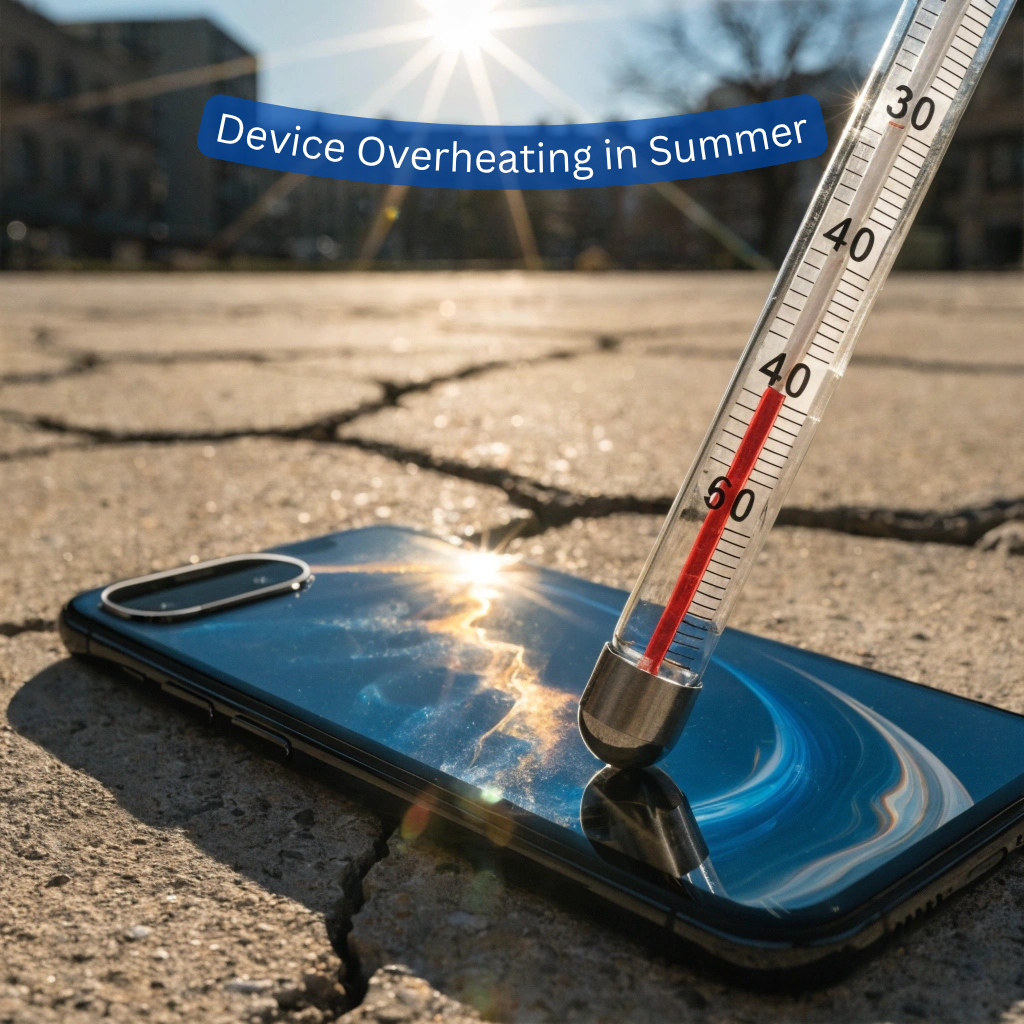
Device overheating is one of those problems that sneaks up on you – your phone feels warm, then hot, then it shuts off right when you need it most. Summer makes everything worse. Parked cars, sunny desks, beach bags – they all turn into ovens for your electronics. If you want to protect electronics from heat this season, a few simple habits go a long way. And if the damage is already done, BuySellRepairs has seen it all and can help you figure out what to do next.
Device Overheating in Summer: Why Device Overheating Is a Bigger Deal
Most people ignore an overheating device until it’s too late. Heat damage to electronics doesn’t always appear serious. There’s no smoke, no sparks – just a battery that drains faster than it used to, a screen with faint discolouration, or a laptop that takes twice as long to do anything. Lithium-ion batteries are in fact sensitive. One of the main reasons of battery degradation is temperature getting close to 45°C or more. Heat causes components to warp, vaporizes thermal paste, and can loosen solder joints that are supposed to last for years. BuySellRepairs often receives devices with strange shutdowns or slow performance that have inadvertently stored weeks of heat damage.
Device Overheating in Summer: How to Keep Devices Cool in Hot Weather
Here’s what actually works – and none of it costs money.
No direct sunlight. Keeping a phone on a beach towel in sunlight will throttle its performance within minutes. Don’t forget, even indirect heat, like keeping a phone on a car dashboard, causes problems if it goes on long enough.
Watch where you charge. Charging already generates heat. Doing it while your phone sits inside a thick case, under a pillow, or on a soft surface traps that heat and lets it build. Charge on a hard, flat surface – a wooden desk or a tile countertop does the job.
Give your laptop some breathing space. The vents are located on the bottom or sides, and a laptop on a bed or sofa will cover them up. It makes a big difference if it’s on a cheap stand or even a hardcover book underneath.
Close what you’re not using. Background apps push your processor to work harder, which generates more heat. On a hot day, that matters more than usual. Clear out your background apps and close the browser tabs you’ve had open since last month.
Take the case off when things get warm. Thick rubber cases trap heat in. If your phone is already running hot and you’re somewhere warm, removing the case lets it dissipate heat faster.
Signs of Heat Damage to Electronics – Don’t Ignore These
Laptop and phone overheating solutions are most effective when you spot the early signs. Watch for these:
1. Battery draining faster than usual in warm conditions,
2. Screen that dims or throws up a temperature warning,
3. The device shutting off without any low battery notification,
4. Back of your phone staying hot even when you’re barely using it.
If two or more of these sound familiar, something may already be damaged. BuySellRepairs offers diagnostic checks that tell you exactly what’s happening inside your device.
What to Do When the Damage Is Already Done
So your phone baked in the car for three hours and now it won’t charge properly. Let it cool to room temperature naturally – don’t stick it in the fridge, because the condensation that forms when a cold device warms back up can cause water damage on top of everything else. Once it’s cool, test it. If the battery is draining fast, the screen looks off, or it keeps restarting – get it checked out by professionals.
BuySellRepairs handles heat-related repairs across phones, laptops, and tablets – battery replacements, vent cleans, thermal paste reapplication. It’s almost always cheaper to repair than replace.
Summer is rough on electronics. Most heat damage is preventable, and a lot of it is fixable. If your device is already showing signs of strain, don’t sit on it. Bring it into BuySellRepairs and find out what’s actually going on.
FAQs
1. Can I put my overheating phone in the refrigerator?
No. Sudden temperature changes can create condensation inside the device and cause more damage than the device overheating itself.
2. Does a dark-colored phone get hotter than a light-colored one?
Yes, darker surfaces absorb more heat from sunlight, which can contribute to heat damage to electronics when left outdoors.
3. Can hot weather make my battery swell?
Yes. Prolonged exposure to high temperatures can damage battery cells and increase the risk of swelling.
4. Is it safe to use my phone while it is charging in summer?
Light use is usually fine, but gaming or streaming while charging generates extra heat. This can worsen device overheating and reduce battery lifespan.
5. Will turning on airplane mode help cool my phone?
It can. Airplane mode disables wireless connections that constantly use power and generate heat.
6. Do wireless chargers make phones hotter?
Wireless charging often produces more heat than wired charging. If you want to keep devices cool in hot weather, wired charging is usually the better option.
7. Can a laptop overheat even if the fan is working?
Yes. Dust buildup, aging thermal paste, or blocked vents can still cause overheating despite the fan running normally.
8. Does closing unused browser tabs really help?
Absolutely. Dozens of open tabs consume memory and processor resources, making Laptop and phone overheating solutions as simple as reducing unnecessary workload.
9. Can overheating affect Wi-Fi and Bluetooth performance?
Yes. Some devices automatically limit wireless functions when temperatures become too high to prevent further heat damage to electronics.
10. Is occasional overheating normal?
A little warmth is normal, especially during charging or heavy use. However, frequent device overheating should be checked before it leads to expensive repairs.