




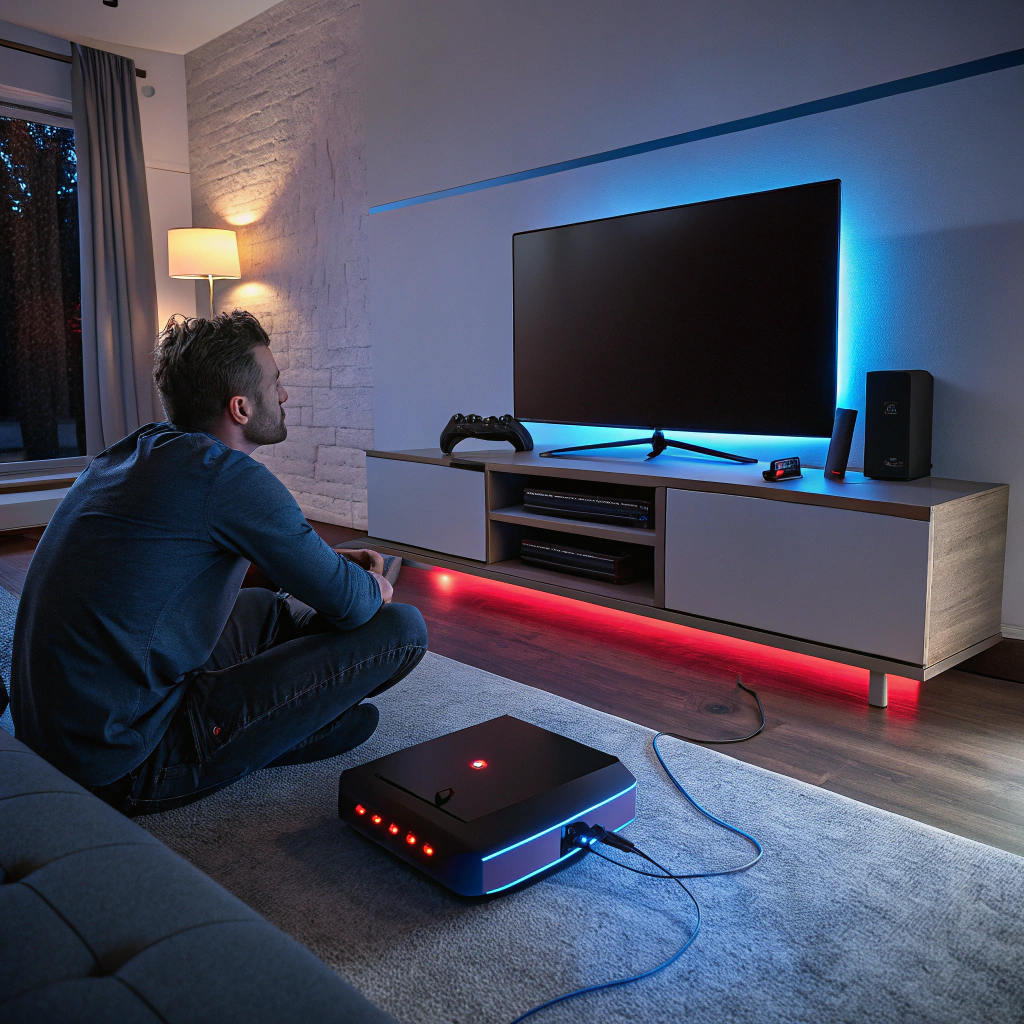
The black screen on the game console is so irritating; when the game console appears normal, the TV is completely black. The black screen phenomenon is a problem that has been observed on all the gaming platforms, including PlayStation and Xbox, as a result of a hardware malfunction or signal delivery. The positive news? After knowing the problem, most of the issues can be resolved.
Why a black screen on game console?
A game console’s black screen no video output problem often appears without warning. You might have been gaming perfectly fine the previous day, only to face a blank screen the next time you turn the console on. In most cases, the issue isn’t the TV – it’s the console.
Common causes for black screen on game console are:
– black screen on game console’sdamaged HDMI ports
– Faulty HDMI cables
– Internal GPU or APU issues
– Power supply problems
– Overheating of internal components.
When the console is running but cannot transmit a video signal, the result is a black console screen with no error message, making it confusing for users.
HDMI and connection-related problems
One of the major reasons for black screen is HDMI failure. Plugging and unplugging many times, accidental tugs on the cable, or using low-quality cables damages the HDMI port. A slightly loose or cracked port fails video transmission completely.
Before concluding anything, try switching HDMI cables, changing TV input ports, or testing the console on another screen. If the problem persists, the issue is likely internal and requires professional attention.
No video output from Xbox and PlayStation consoles
No Video Output from Xbox consoles is a commonly reported issue, especially on Xbox One and Xbox Series X models. These systems may power on, make startup sounds, and even sync controllers – yet display nothing. This often indicates HDMI retimer chip failure, GPU signal issues, or motherboard-level faults.
PlayStation consoles face similar problems. PS4 and PS5 black screen issues are frequently linked to HDMI encoder chips or overheating damage. Software resets rarely fix these cases because the problem lies in the hardware signal path rather than the operating system.
Overheating and internal component damage
Dust buildup, poor ventilation, or extended gaming sessions can cause consoles to overheat over time. Heat stress can weaken solder joints under critical chips like the GPU or HDMI IC. When this happens, the console may still turn on but fail to send video, resulting in a persistent black screen on game console even after restarts.
Regular cleaning and proper airflow prevent these issues, but once damage occurs, professional repair is required.
Can you fix a black screen at home?
Basic troubleshooting is always suggested. Minor signal glitches can be removed by power cycling the console, changing cables, or reconfiguring display settings. Nonetheless, when working with a game console black screen with no video output that does not respond to these actions, then DIY repairs are dangerous.
Attempting to open the console without the appropriate tools or knowledge can only spoil sensitive HDMI ports and chips. This is the place where it would be wiser and safer to search a “best game console repair near me.”
When professional repair is the right choice
Professional technicians use advanced tools like microscopes and thermal cameras to diagnose whether the issue is a damaged HDMI port, a failing chip, or a deeper motherboard problem.
If you’re located in New Jersey, choosing the best game console repair shop in Princeton ensures your device is handled by experts who specialize in console-level repairs rather than generic electronics fixes. Experienced repair shops also test the console thoroughly after repair, ensuring the black screen issue doesn’t return.
Preventing future black screen issues
Follow these few habits to prevent future problems (after you get console repaired).
– HDMI cables must always be inserted and removed carefully.
– Mount your console in any well-ventilated place.
– Remove dust on a regular basis.
– Do not use low-quality third-party cables since they may lead to instability of the signal as well as port damage.
A black console screen might not be a problem if addressed after an adequate diagnosis. Being aware of “why and when,” will help you save your console and your wallet too.
FAQs
1. Why does my game console turn on but show a black screen?
This usually happens due to HDMI port damage, faulty cables, overheating, or internal chip issues that stop video signals from reaching the TV.
2. Is a black screen on a game console a hardware or software problem?
In most cases, it’s a hardware-related issue, especially when the console powers on but shows no display.
3. Can a damaged HDMI cable cause a black console screen?
Yes. A faulty or low-quality HDMI cable can prevent proper video transmission and result in a black screen.
4. Why is there no video output from Xbox, but I can hear sound?
This often points to HDMI retimer chip failure or signal issues inside the console, not a TV problem.
5. Will resetting my console fix the black screen issue?
A reset may help only if the issue is minor or software-related. Hardware damage usually requires professional repair.
6. How do I know if my HDMI port is damaged?
If the cable feels loose, the screen flickers, or there’s no display even after changing cables and TVs, the HDMI port may be damaged.
7. Can overheating cause a game console black screen no video output?
Yes. Overheating can damage internal components like the GPU or HDMI chip, leading to display failure.
8. Is it safe to open my console and fix the issue myself?
DIY repairs are risky without proper tools and experience. Incorrect handling can cause further damage.
9. When should I search for game console repair near me?
If basic troubleshooting fails and the console still shows no display, professional repair is the best option.
10. How long does it take to fix a black screen issue professionally?
Most HDMI or video-related repairs can be completed within 1–3 business days, depending on the severity.



One thought on “Fixing Black Screen & No Video Output on Game Consoles”