




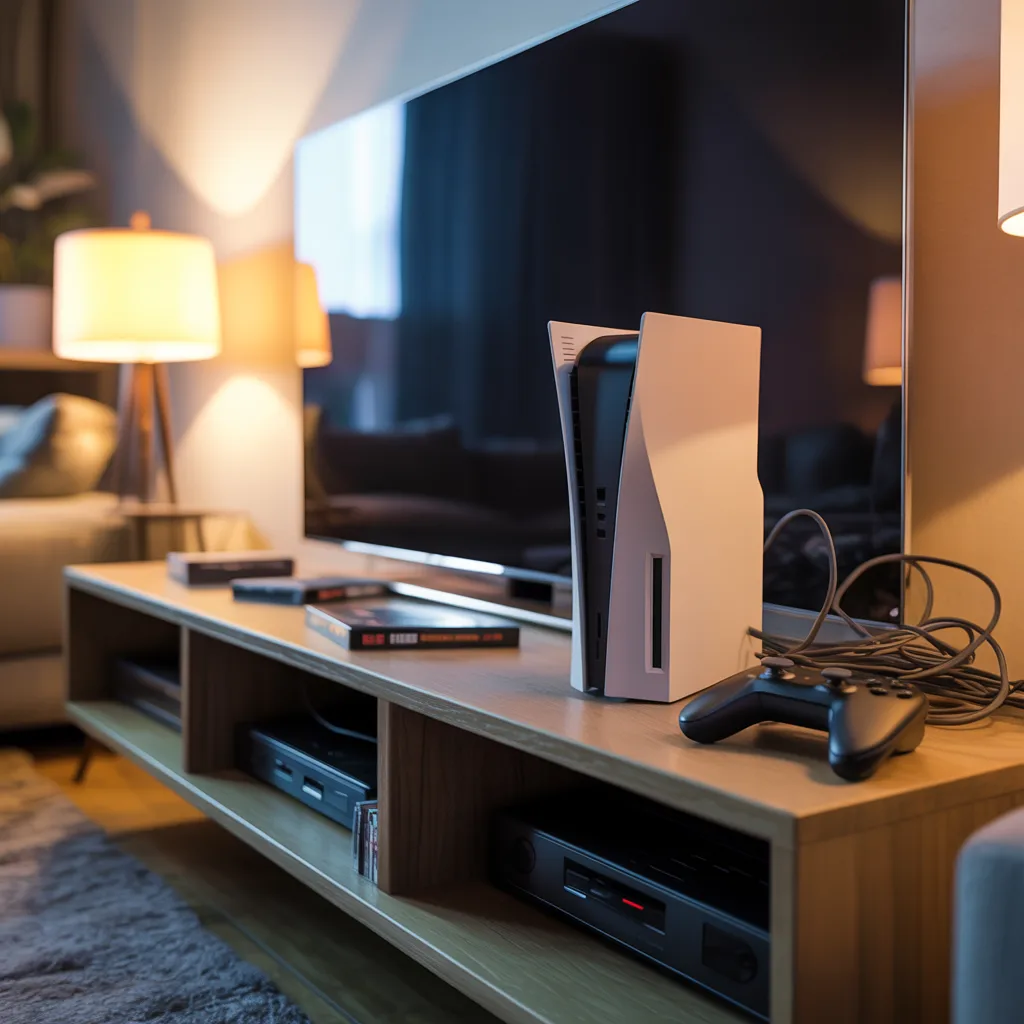
Gaming Console Power Supply Repair in Princeton – Searching for “PlayStation Xbox console power issue repair near me”? This usually means your console suddenly refused to turn and this is frustrating. As a repair technician, I see this situation on alternate days. Gamers come in worried their console is “dead,” when in reality, many power supply issues can be diagnosed and repaired with the right approach.
This article is going to help you understand the power supply issue, what you can safely check at home, and when it’s right to bring your console to a professional.
Gaming Console Power Supply Repair in Princeton – Why Power Supply Problems Are So Common in Gaming Consoles
A steady power supply is needed for the proper functioning of the game console. The power supply regulates electricity coming from the main outlet and delivers it to internal components. When this process fails, the console doesn’t turn on.
Power failures are one of the most common issues we come across in our gaming console repair services in Princeton. Overheating due to long gaming sessions without proper ventilation, voltage fluctuations, and power outages slowly damages the power supply components. These issues often build up over time before the console finally stops responding.
Gaming Console Power Supply Repair in Princeton – Basic Checks You Can Do Before Assuming the Worst
Here are a few easy checks you can do at home before concluding that the console is dead.
First thing is to check if the power cable is properly connected on both ends and inspect it for visible damage. If you’re getting the same problem then, then test with another compatible cable. Next, check the power outlet by plugging in another device to confirm it’s working properly.
Keep track of any signs like a brief light, a soft click, or a short beep before crashing down. These things point towards a struggling power supply rather than a completely failed console.
Signs the Power Supply May Be Failing Internally
The above basic checks should point out the problem. If not, then the issue may be internal. One common sign is a console that turns on briefly and shuts off within seconds. Another is no response at all – no lights, no sound, nothing.
In many gaming console power supply repair cases, we find
1. Damage due to overheating or worn components. Consoles placed in tight spaces or cabinets often overheat slowly, putting stress on the power supply until it eventually fails.
2. Dust buildup is another major factor.
Why DIY Power Repairs Are Risky
We all get the urge to open the console and try fixing it ourselves. To help us, there are numerous online repair videos. No, please don’t attempt to do this. Power supply units store electrical charge and can be dangerous if handled incorrectly.
As a trusted gaming console repair shop in Princeton, we see consoles that come in worse shape after DIY attempts. We damaged the motherboard, connectors, or other components – turning a manageable repair into a costly one. Diagnosing is fine, but actual power repairs are best left to trained technicians.
When It’s Time to Seek Professional Help
If your console shows no signs of life after basic troubleshooting, it’s time to look for PlayStation Xbox console power issue repair near me and consult a professional. A proper diagnosis involves testing voltage flow, inspecting internal connections, and determining whether the issue lies in the power supply or elsewhere.
This process ensures you’re not replacing parts unnecessarily and helps prevent repeat failures.
How We Approach Power Supply Repairs in Princeton
When a console comes into our shop, we follow a careful and transparent process. We inspect the device thoroughly, identify the exact cause of the failure, and explain the issue in clear, simple language. If a repair isn’t cost-effective, we say so upfront.
Our gaming console repair services in Princeton are built on responsibility and honesty. After completing a gaming console power supply repair, we also guide customers on prevention – using surge protectors, improving ventilation, and maintaining proper airflow to avoid future issues.
Most people assume that a console is beyond repair when it doesn’t turn ON. This is not true. Many power supply problems can be fixed safely when handled by professionals. Caring to see early warning signs and choosing a trusted gaming console repair shop in Princeton can save you time, money, and frustration.
If your gaming console has gone silent and basic checks haven’t helped, professional diagnosis is the smartest next step – and often the quickest way to get back to gaming with confidence.
FAQ
Q1: Can a power surge damage my gaming console even if it’s turned off?
A: Yes. Power surges can damage internal power supply components even when the console is switched off but still plugged in. We often see this after storms or sudden outages. Using a surge protector significantly reduces this risk.
Q2: Why does my console show a light for a second and then turn off?
A: This usually indicates that the power supply is starting but failing to deliver stable voltage. The console shuts itself down to prevent further damage, which is a built-in safety feature.
Q3: Can overheating permanently damage a gaming console’s power supply?
A: Yes. Repeated overheating weakens internal components over time. Even if the console worked fine initially, heat stress can cause sudden power failure later on.
Q4: Is it safe to keep trying to turn on a console that won’t power up?
A: Repeated attempts can worsen internal damage, especially if the issue is electrical. If the console doesn’t respond after basic checks, it’s best to stop and seek professional diagnosis.
Q5: Do gaming consoles have internal fuses that can blow?
A: Some consoles include internal protection components similar to fuses. When they fail, the console may stop powering on completely. These parts require professional tools and experience to test and replace safely.
Q6: Can a faulty power supply affect saved data or games?
A: In most cases, your data remains safe. However, sudden power loss during updates or gameplay can sometimes corrupt system files, which is why timely repair is important.
Q7: How long does a power supply repair usually take?
A: Most power supply diagnostics can be completed the same day. Repair time depends on the console model and severity of damage, but many cases are resolved within one to two business days.
Q8: Is replacing a power supply cheaper than replacing the console?
A: In many situations, yes. A professional repair is often far more cost-effective than buying a new console, especially for newer PlayStation and Xbox models.
Q9: Should I unplug my console when it’s not in use?
A: Unplugging during long periods of non-use or during storms adds an extra layer of protection. At a minimum, using a high-quality surge protector is strongly recommended.
Q10: Can external accessories cause power issues in gaming consoles?
A: Yes. Faulty external drives, charging docks, or third-party accessories can interfere with power delivery. Disconnecting all accessories during troubleshooting is a good first step.



3 thoughts on “How to Diagnose Gaming Console Power Supply Issues – Gaming Console Power Supply Repair in Princeton”